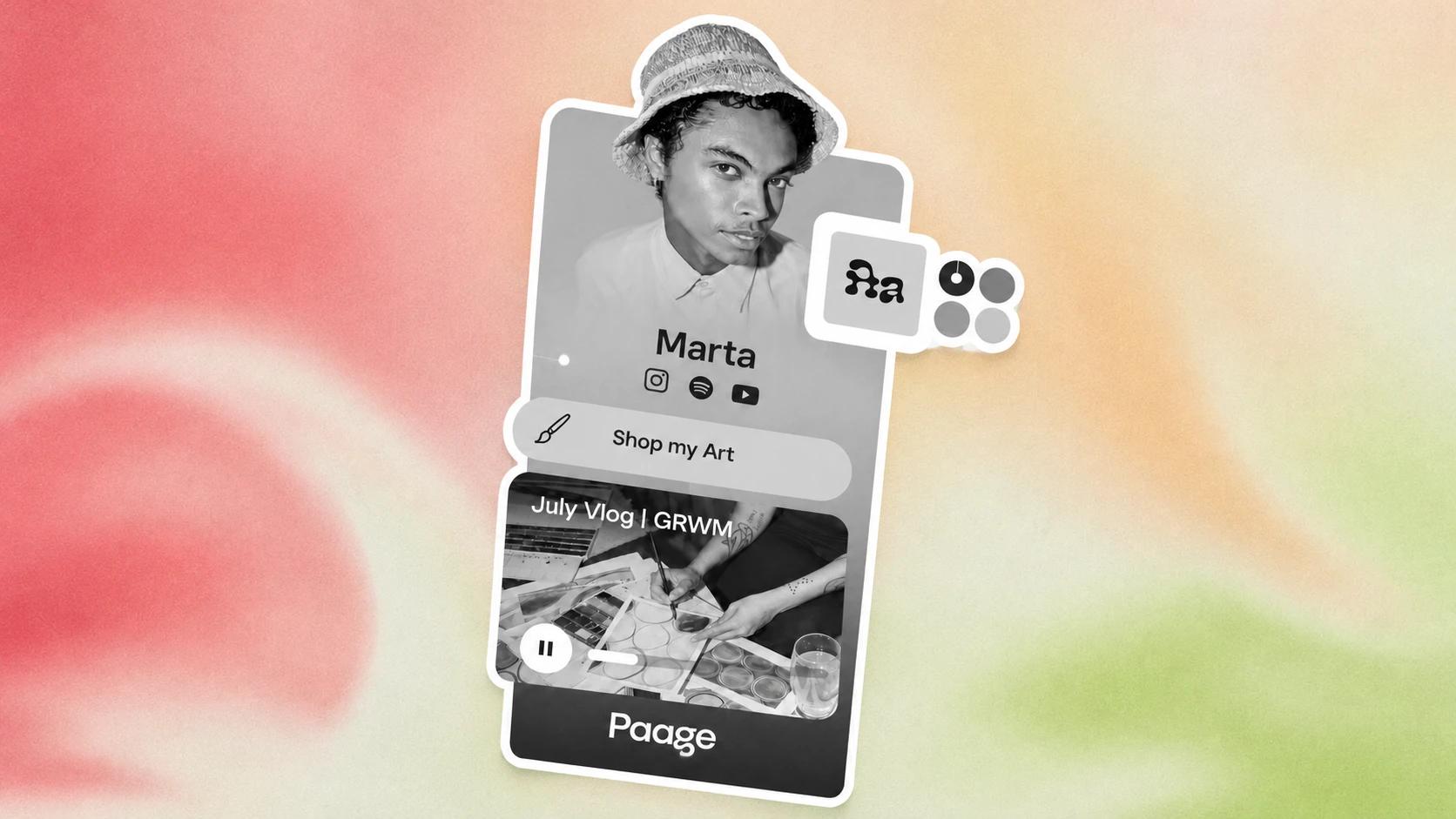
Link-in-bio | Buffer Start Page
Buffer Start Page Is Shutting Down: Where to Move
 Nicolas Garcin

If your bio link is a Buffer Start Page, it has an end date. Buffer stopped new Start Pages on November 4, 2026, editing stops on November 30, 2026, and pages that haven't been moved start coming down on February 2, 2027.
This guide gives the official dates, the two ways Buffer lets you move, how to keep your start.page link working, and where to rebuild your page.
When is Buffer Start Page shutting down, and what stops working?
Buffer's Start Page retirement notice sets three dates.
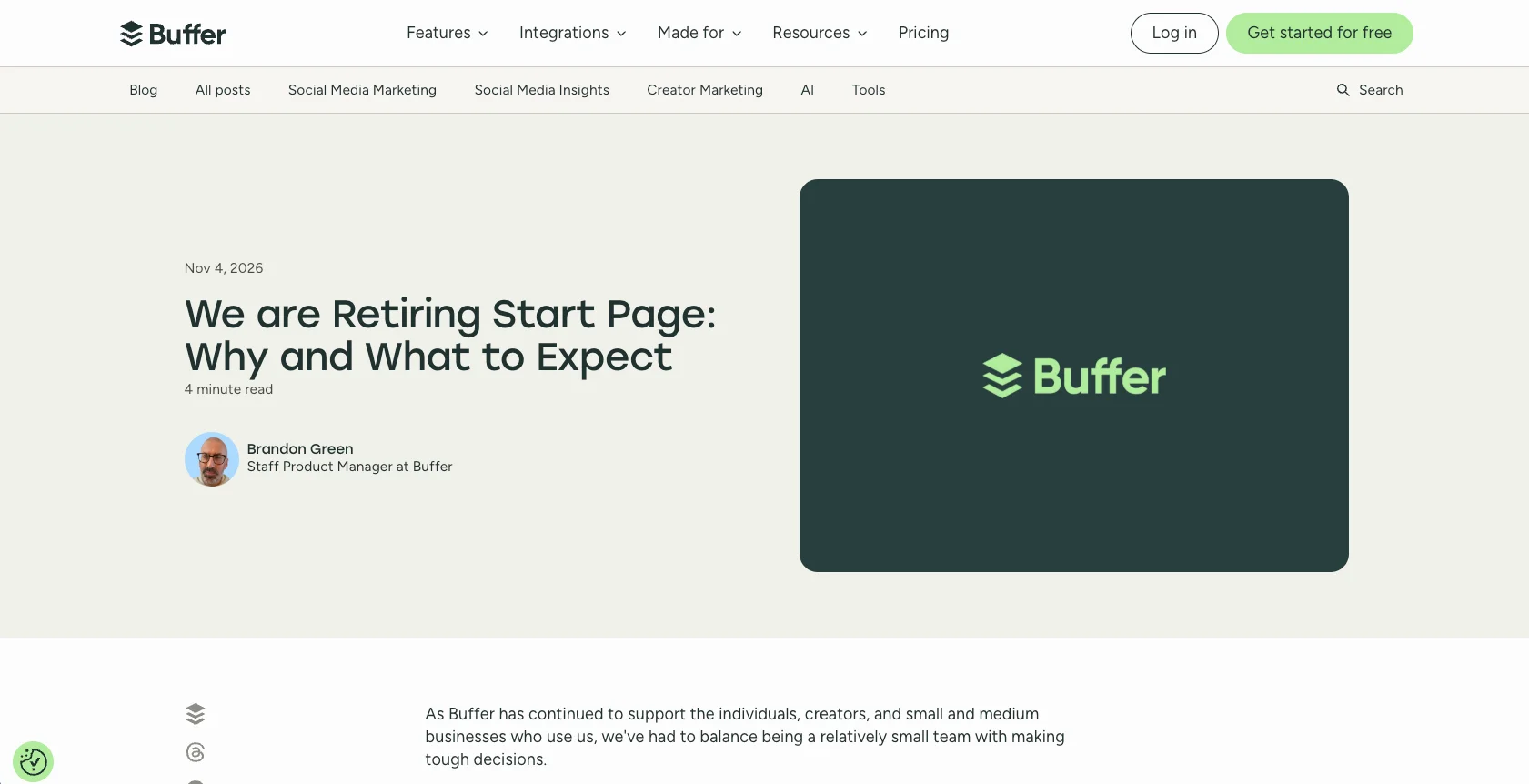
From November 30, 2026, Start Pages can no longer be edited. Until February 2, 2027, your page stays live, so visitors still see it while you move.
What to do before the deadline: Buffer's two migration options
Buffer's migration tool offers two ways out:
-
Download your whole page as files and images, with step-by-step instructions and a readme an AI assistant can follow, to host it on a free host such as Netlify, Vercel or Cloudflare Pages.
-
Move your page to Lnk.bio, an independent link-in-bio tool and Buffer's migration partner.
Not every block translates. Buffer gives one example: the Updates feed only exists in Buffer. Before you move, the tool shows you what carries over.
A short checklist while you can still open your page:
-
Note every link on your page, in order.
-
Copy your text and save your images. A Start Page could hold text, links, an image grid of up to 18 images, videos, social links, music, updates and an email signup form.
-
Decide where you're going before you run the migration tool, so you have your new page's address ready for the redirect.
What happens to your start.page link?
This is the part that decides whether your old links break. In the migration tool, you give Buffer your new page's address and it redirects your start.page link there, so the link in your bios, posts and printed materials keeps working.
-
The redirect isn't limited to Lnk.bio. It points to your new page's address, wherever that page lives.
-
It stays up after the shutdown. Buffer says these redirects stay in place after Start Page shuts down, and that it will give plenty of notice if that changes.
-
No redirect, no link. Without one, your start.page link stops working when your page is removed.
Even with the redirect in place, update the link in every bio you control. Your audience then lands on your new page directly, without depending on Buffer.
If you paid for Start Page as a Buffer channel
Per Buffer's notice, from November 30, 2026, Start Page no longer counts toward your channel slots. You can use the freed slot for another channel, or lower your channel count in your billing settings; the change shows on your next bill.
The notice says nothing about refunds, your Start Page analytics or custom domains. For those, ask Buffer's Advocacy team at hello@buffer.com.
Which of Start Page's jobs do you need to replace?
A Start Page did several jobs at once. Here's which alternative covers each:
| Start Page job | Lnk.bio | Linktree | Paage |
|---|---|---|---|
| Links and social icons | Yes | Yes | Yes |
| Music | Yes | Yes | Yes |
| Email sign-up form | Yes | Yes | Yes |
| Analytics | Yes | Yes | Yes |
| Own domain | Yes | No | Yes |
| Sell products on the free plan | No | No | Yes |
| Sell products | Yes | Yes | Yes |
| Take paid bookings | Yes | Yes | Yes |
| Sell event tickets | No | No | Yes |
| Email campaigns to your contacts | No | No | Yes |
Notes on the table:
-
A cross means the feature isn't built in. For email, Lnk.bio and Linktree send your sign-ups to another tool, such as Mailchimp, to write your campaigns there. For tickets, they link to a ticketing service: Eventbrite or Posh on Lnk.bio, Bandsintown on Linktree.
-
Lnk.bio puts its newsletter form and shop on the Unique plan. Its own domain and booking calendar are paid add-ons, and the booking calendar takes 5% per booking.
-
Selling on the free plan: Lnk.bio's shop starts on the Unique plan ($24.99 one-time), and on Linktree's Free plan, digital products and bookings can only be free. Paage's Free plan sells products, paid bookings and tickets, with no subscription.
-
Linktree takes paid bookings on Pro; its Free and Starter plans take free bookings only.
Sources: Buffer's Start Page help article, Lnk.bio features, Lnk.bio booking calendar, Linktree pricing, and Paage's pricing, link in bio, commerce, appointments, event ticketing and email marketing pages.
Paage: a free link in bio that also sells, books and grows your list
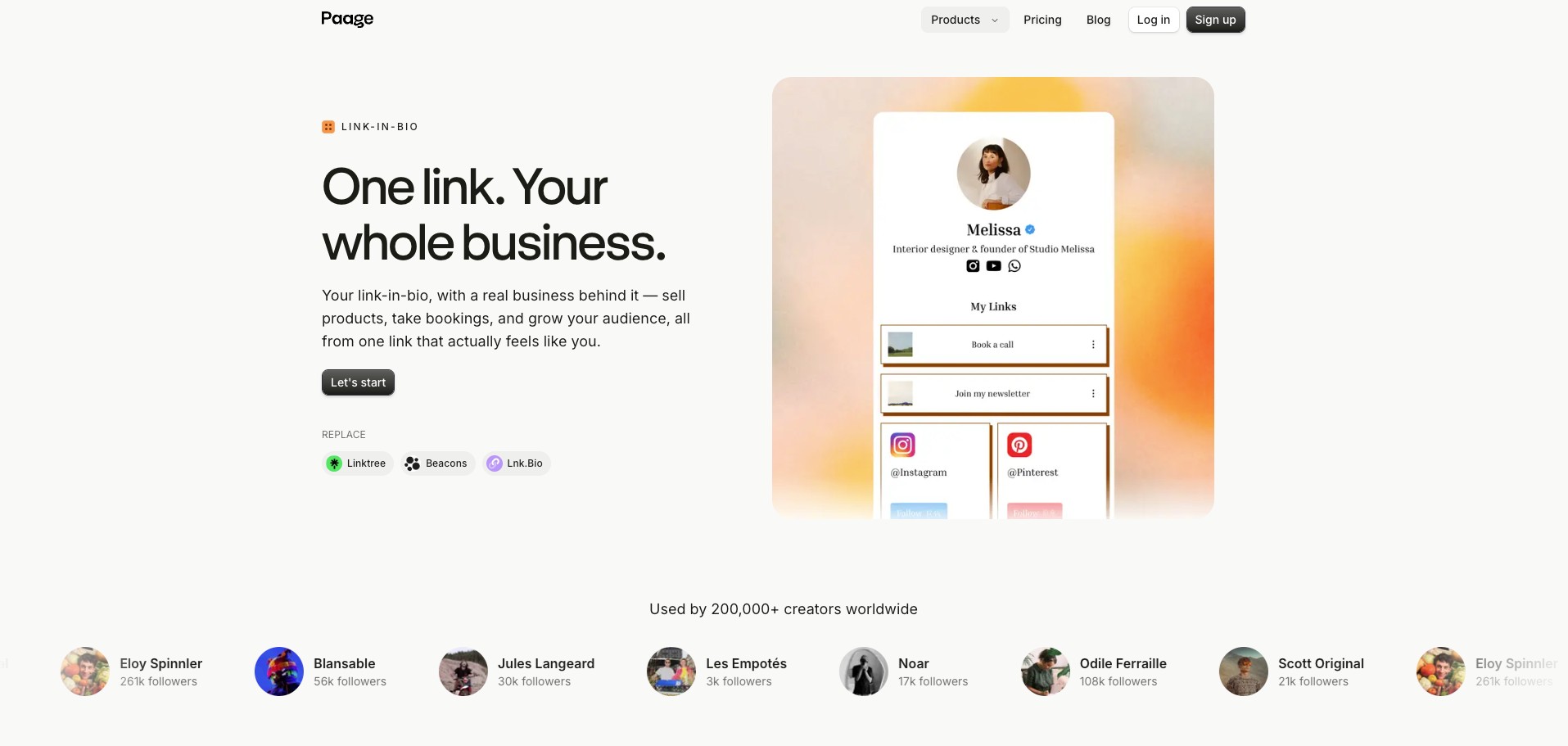
Paage starts where Start Page did, with a free link-in-bio page for your links and socials, and adds what Start Page never did:
-
Sell: digital and physical products, plus print-on-demand merch and prints through Printful or Printiverse.
-
Take paid bookings with a service menu, on the Free plan.
-
Sell event tickets from the same page.
-
Grow a list you can email: every buyer and sign-up becomes a contact you can email from Paage with email campaigns. You can also offer a free download in exchange for an email address; more in our guide to building an email list from your link in bio.
-
For musicians: a Music block that finds your track, album or playlist on other platforms, and free pre-saves on the Free plan.
-
Your own domain is supported.
-
Instagram auto-DM on every plan, within monthly limits, and Instagram and TikTok shopping from the Plus plan.
200,000+ creators use Paage. You can sell from the Free plan, with no subscription: it includes 3 products, 250 contacts and 250 emails a month.
When you sell, Paage takes 9% per sale on Free, 3% on Plus and 1% on Pro, with a minimum of $0.50 per sale. Card processing comes on top.
Example: you sell a $20 product.
| Plan | Paage fee on one $20 sale |
|---|---|
| Free | max(9% × $20, $0.50) = $1.80 |
| Pro | max(1% × $20, $0.50) = max($0.20, $0.50) = $0.50 |
Card processing is on top in both cases. Pro is a paid plan at $29/month (see pricing), and it also unlocks unlimited contacts, 500 products, workflow automations, 2 workspace users and up to 8 languages.
How to move your Start Page to Paage
Paage doesn't import a Start Page: you rebuild it, then point Buffer's redirect at it.
-
Before November 30, open your Start Page and note every link, text block and image.
-
Create a free Paage and rebuild your links and social icons.
-
Add what Start Page didn't do, if it fits: a product, a booking, an email sign-up.
-
From November 30, open Buffer's migration tool and give it your new Paage address as the redirect.
-
Update the link in each bio you control, so it doesn't depend on the redirect.
Lnk.bio
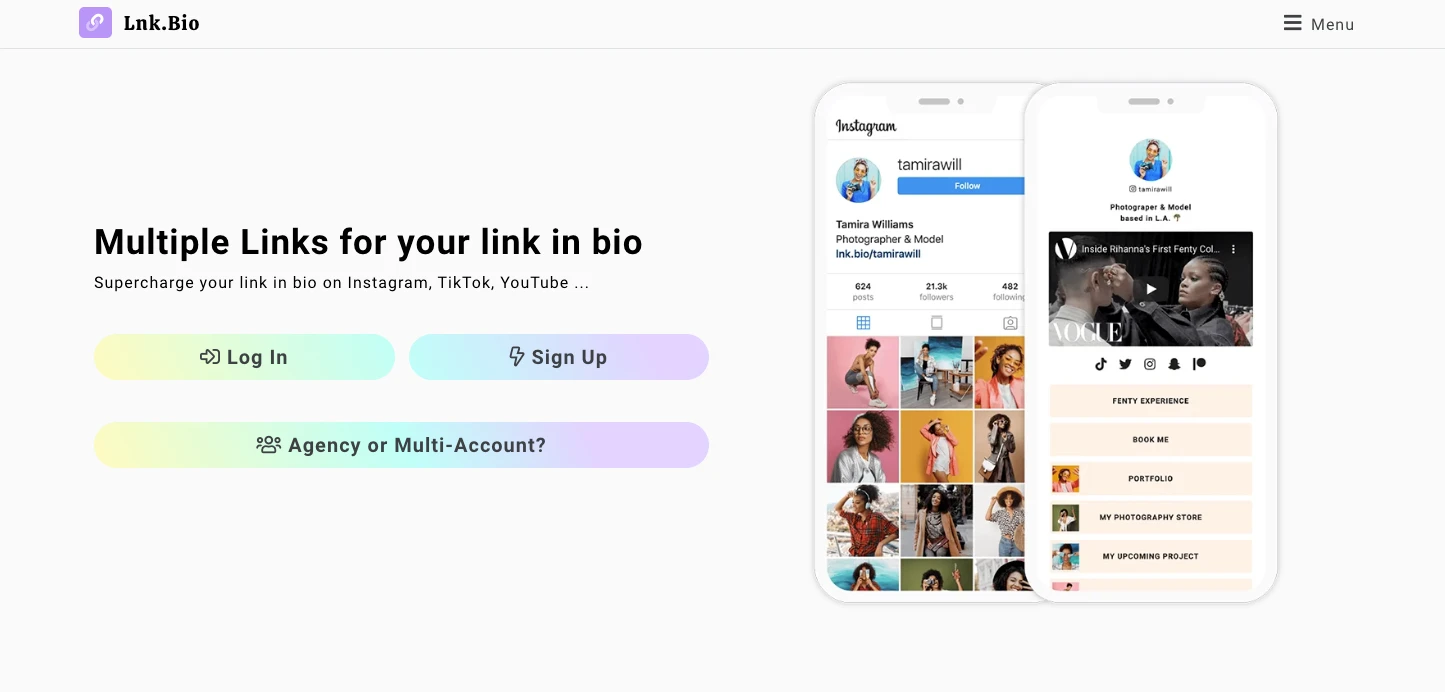
Best for: the closest like-for-like move, with Buffer's own migration flow.
Buffer says Lnk.bio is free for the way Start Page was used, with extra features on paid plans. Its paid plans are Mini at $0.99/month or $9.99 one-time, Unique at $24.99 one-time and Ultra at $89.99/year, with add-ons such as a booking calendar at $4/month.
Who it fits: you want the same page, fast, with Buffer's migration flow.
Linktree
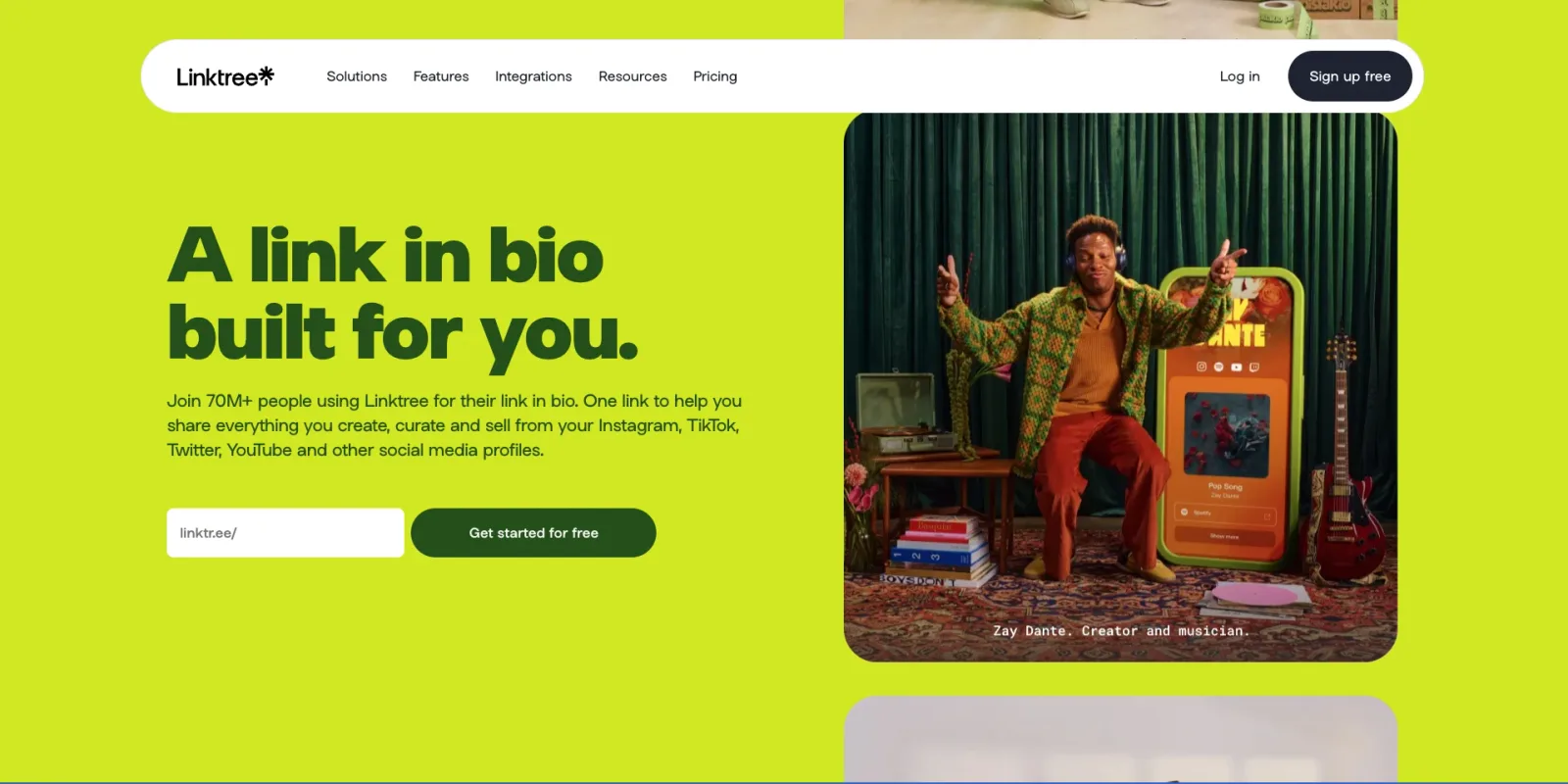
Best for: the best-known link in bio.
Linktree's pricing page lists a Free plan with email and phone sign-ups, and Starter, Pro and Premium paid plans priced in your local currency. Pro says "Sell and earn with 0% fees", while the page notes that transaction and processing fees may apply, and Linktree's FAQ lists a $0.25 fee per payout. If you're weighing Linktree against Paage, see our free Linktree alternative.
Who it fits: you mainly need links and sign-ups and want the most common tool.
Download and self-host
Best for: full control.
Buffer's tool lets you download your page as files and images and host it on Netlify, Vercel or Cloudflare Pages, following Buffer's instructions.
Who it fits: you're comfortable editing files yourself. The copy is static, so any change to your page means editing the files.
Start Page isn't the first link-in-bio tool to close this year: Tap Bio and Bento.me did too.
Which one should you pick?
-
You want a free link in bio that also sells, takes bookings and builds your email list: Paage, and you can sell from its free plan. It's free to start, with 9% per sale on Free and 1% on Pro, $0.50 minimum.
-
You want the quickest like-for-like move with Buffer's migration flow: Lnk.bio.
-
You mainly need links and sign-ups: Linktree. See also our free Linktree alternative.
-
You want full control and don't mind editing files: download your page and host it yourself.
Whichever you pick, set the redirect in Buffer's migration tool so your start.page link keeps working.