Link-in-bio | Bento.me Shutdown
Bento.me Shut Down: Where to Move Your Page (2026)
 Jules AgarUpdated

Bento me isn't down: Bento.me closed for good on February 13, 2026. If "bento me login" brought you here, you can't log in anymore, your page is offline, old bento.me links now redirect to Linktree, and the data was permanently deleted.
This post covers what happened, what you can still do, and where to rebuild a page that does more than list links.
Why did Bento.me shut down?
Linktree bought Bento in June 2023, kept it running for a while, then closed it on February 13, 2026, with a migration path to Linktree for Bento users. Bento also published its own goodbye post.
It wasn't the first time. Linktree announced it was acquiring Koji on December 14, 2023. Koji served more than 700,000 creators, and its link-in-bio product shut down on January 31, 2024. Koji users were offered three months of Linktree Pro.
What happened to your Bento page, links and data?
-
Your data: Bento users were told to export their content before the deadline. After February 13, 2026, all Bento user and profile data was permanently deleted.
-
Your links: existing bento.me links now redirect to Linktree, not to your page.
-
Recovery: there's no way to get a deleted page back. Bento emailed users migration instructions and a Linktree Pro offer.
If you didn't export in time, you'll rebuild from your social profiles and the images you saved.
What to look for in a Bento replacement
-
A visual layout: images and sections, not just a vertical list of buttons. That's what Bento users liked.
-
A way to earn from the page: a shop, bookings, tickets or an email list, so the page does more than send people elsewhere.
-
A business model that doesn't depend on being acquired: Bento and Koji were link pages whose only job was listing links. Both were bought and switched off. A page that also sells and keeps your contacts gives its owner a reason to keep it running.
Paage vs Linktree: what you get after Bento
Linktree is Bento's official migration path, so it's the comparison that matters.
| Feature | Linktree | Paage |
|---|---|---|
| Visual layout (grid / image blocks) | Yes | Yes |
| Sell from the page | Yes | Yes |
| Email signup collection | Yes | Yes |
| Send newsletters and automated emails | — | Yes |
| Contact list (CRM) with sales and bookings | — | Yes |
| Event tickets with QR check-in | — | Yes |
| Appointment booking | — | Yes |
| Print-on-demand merch and art prints | — | Yes |
Notes on the table:
-
Linktree: Grid and Carousel layouts are on paid plans. Pro "sells and earns with 0% fees", and its email and SMS signup links send contacts to Mailchimp or Google Sheets.
-
Paage: image blocks and flexible sections for the visual page, and print on demand through Printful or Printiverse.
-
A dash means we couldn't confirm the feature on Linktree's own pages.
Sources: Linktree pricing, Linktree Pro features, and Paage's commerce, audience, email marketing, event ticketing, appointments and print on demand pages.
Want the full picture on Linktree? See our free Linktree alternative, Linktree vs Stan Store and Linktree alternatives for selling, or compare more tools in our guide to the best link-in-bio platforms.
Can you keep a visual, Bento-style page in Paage?
Yes. A Paage link in bio is built from image blocks and flexible sections, with your own branding, so you're not limited to a plain list of buttons. It isn't a pixel copy of Bento's tile grid, but it can still look like a personal hub. And every block can also be a product, an email signup or an event.
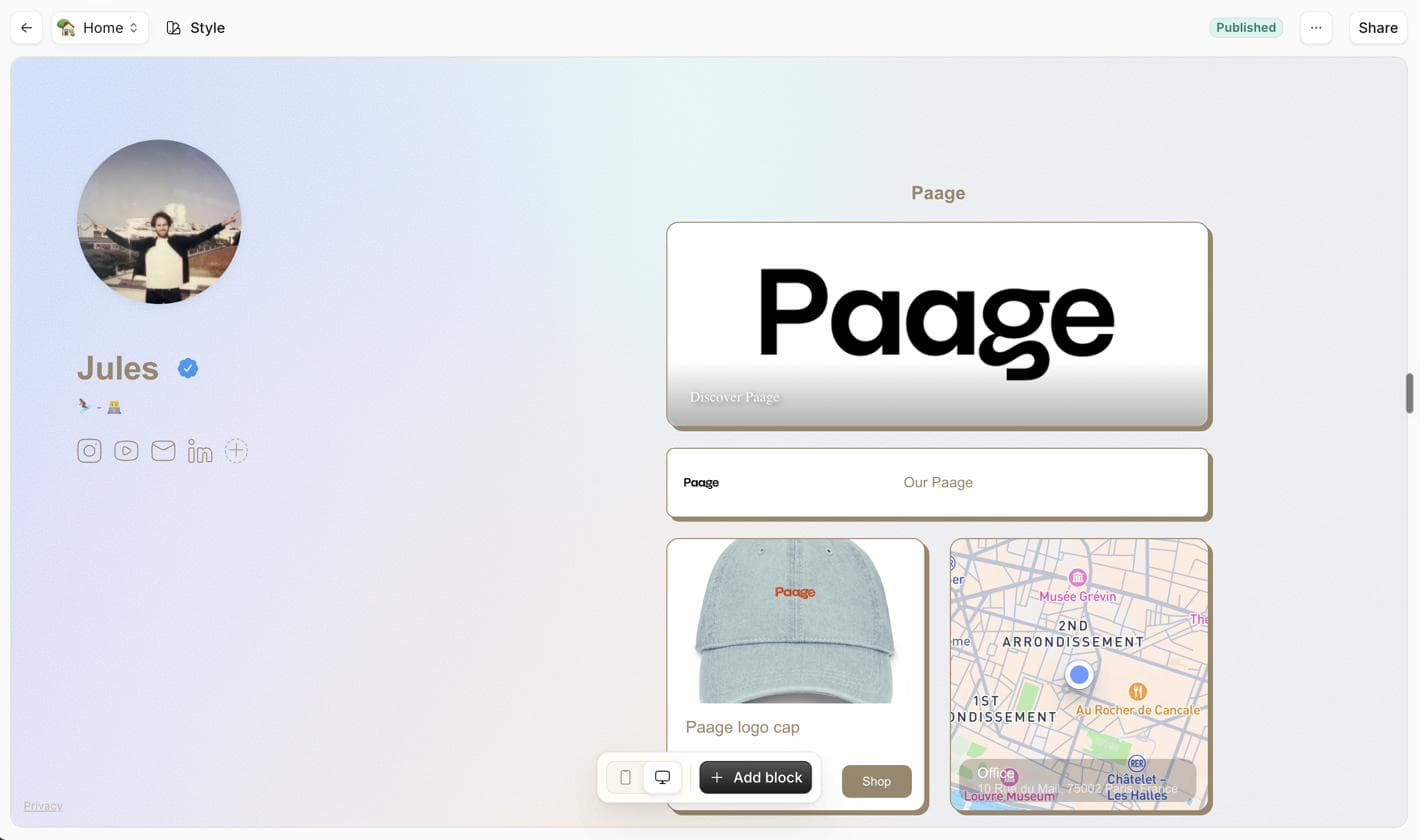
Sell, take bookings and collect emails from the same page
The page that replaces your Bento link can also be your shop and your signup form:
-
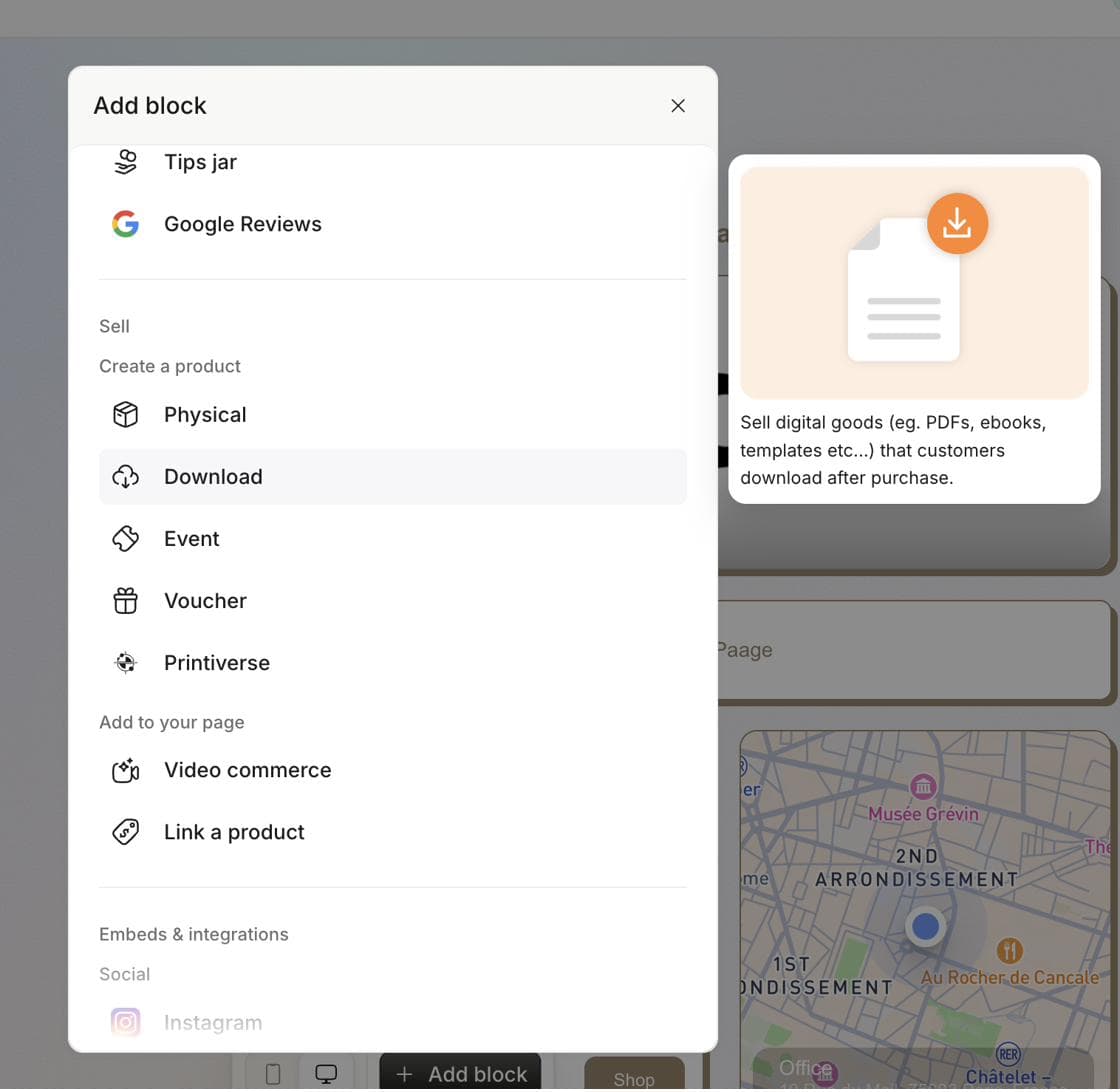
Sell: digital products and physical products from the same page.
-
Take bookings: appointments booked from your page.
-
Sell tickets: events with QR check-in at the door.
-
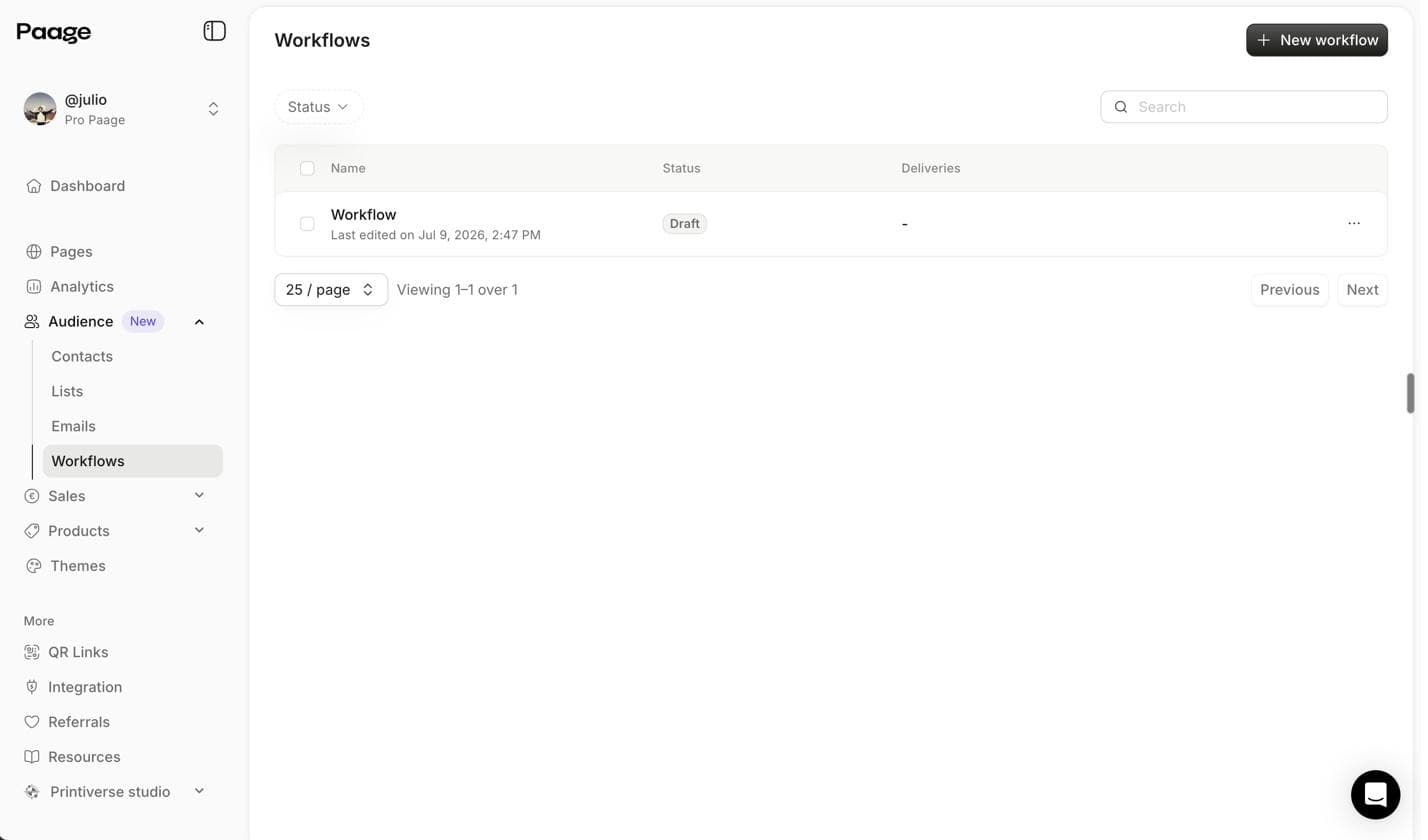
Collect emails: a signup form, then newsletters and automated emails.
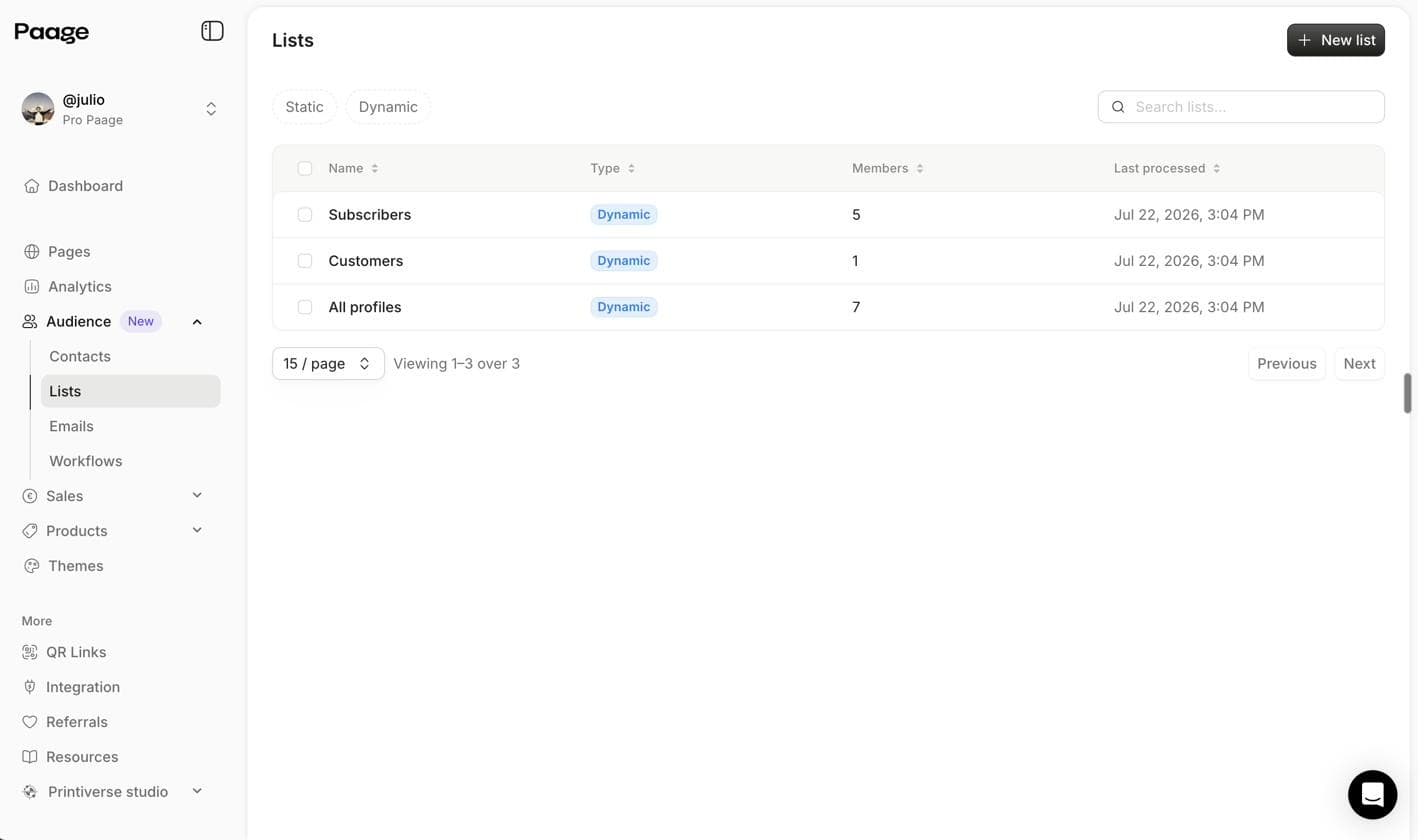
Signups, sales and bookings are all saved in your contact list.
How to rebuild your Bento page on Paage
Bento's data is gone, so you rebuild rather than import. A simple page can be rebuilt in one sitting:
-
Collect your links and images from your social profiles and the files you saved.
-
Create your Paage and rebuild your link and image blocks.
-
Add a product or a signup block, something Bento never had.
-
Update the link in every profile that still points to bento.me, since those links now redirect to Linktree.
Paage is a web app: to manage your page from your phone, you add it to your home screen from Safari or Chrome.
Where should you move your Bento page?
-
You want a visual page that also sells, takes bookings and builds your email list: Paage, used by 200k+ creators. It's free to start, with a 9% fee only when you sell on the Free plan (minimum $0.50 per sale).
-
You only need a list of links and want the official migration path: Linktree.
-
You want to design a one-page website from scratch: Carrd, a one-page website builder.