Link-in-bio | Link in Bio Selling Tools
Best Link in Bio Tools to Sell Products Online
 Nicolas Garcin

The best link in bio tools for selling products are the ones that fit what you sell and how often you sell it. Some take a cut of every sale, some charge a flat subscription, and some can't take a payment at all on their free plan.
A link in bio is only worth paying for if it can take a sale. Tools differ a lot on three points: what they take per sale, what they let you sell (downloads, physical products, services, tickets) and what you pay before your first sale. This post compares seven tools on exactly those points, tool by tool, with the numbers next to each plan.
Best link in bio tools to sell products at a glance
Monthly prices are billed monthly, in US dollars. The fee per sale is in brackets next to each plan.
| Tool | Best for | Free plan that can sell | Monthly price to sell (fee per sale) | Email and bookings in the plan |
|---|---|---|---|---|
| Paage | Selling products, bookings and tickets from one page | Yes, 9% fee | Free $0 (9%) · Basic $8 (9%) · Plus $16 (3%) · Pro $29 (1%), $0.50 minimum per sale on every plan | Paid bookings from Free; 250 emails a month on Free, 5,000 on Basic, 7,500 on Plus |
| Beacons | A free store with creator tools | Yes, 9% fee | Free $0 (9%) · Creator $10 (9%) · Creator Plus $30 (0%) | 5 email automations on Free, unlimited email sends on Creator Plus; no paid bookings |
| Linktree | The most widely known bio link | No, free products only | Pro $17 (0% Linktree fee) | Paid bookings on Pro; email through integrations |
| Stan Store | A storefront with no per-sale fee | No | Creator $29 (0%) · Creator Pro $99 (0%) | Booking tools and email collection on Creator; email broadcasts and flows on Creator Pro |
| Payhip | A digital download store | Yes, 5% fee | Free $0 (5%) · Plus $29 (2%) · Pro $99 (0%) | Email marketing and paid bookings |
| Gumroad | Selling with no monthly fee | Yes, 10% + $0.50 | $0 a month (10% + $0.50) | No |
| Shopify | A full online store | No, a 3-day free trial | Basic $39 (card rate 2.9% + 30¢, processing included) | Email through Shopify Messaging; bookings through apps |
Sources: Paage pricing, Beacons, Linktree pricing, Stan Store pricing, Payhip pricing, Gumroad pricing, Shopify pricing.
What to look for when you sell from your bio
-
Fee per sale or flat subscription. A percentage costs nothing until you sell. A subscription with 0% fees costs the same every month, whether you sell or not. Compare both together.
-
What you can sell. Digital downloads, physical products, services and event tickets don't all work on every tool.
-
Whether the free plan can sell. Some free plans take payments with a fee; others only let you offer free products.
-
Checkout for the buyer. Every extra step between your bio and the payment is a chance to lose the sale.
-
Whether buyers join your contact list. A sale is the start of a relationship if the buyer lands on a list you can email.
-
A custom domain, if you want your page on your own address.
-
Payouts. Most tools pay through Stripe or PayPal, and their processing fees come on top of any platform fee.
Paage: sell products, bookings and tickets from one page
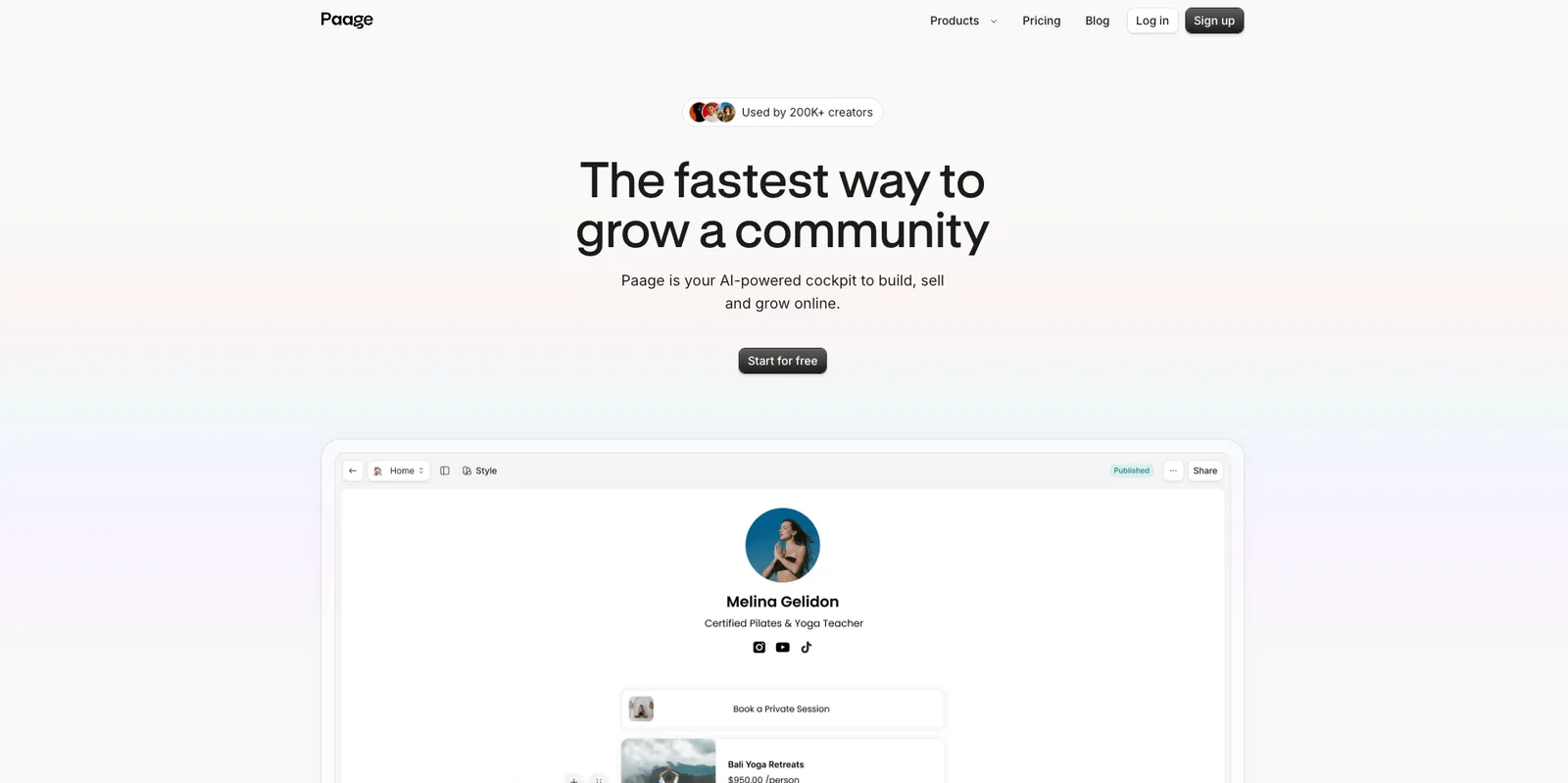
Best for: creators and small brands that sell more than one kind of thing.
Free plan: yes. You can sell on Free with a 9% fee per sale.
What you can sell: digital products, physical products, print-on-demand merch through Printiverse inside your page and store, paid appointments for your services, event tickets, and vouchers and gift cards. Discount codes and an abandoned-cart reminder email help you close the sale.
Fee per sale: 9% on Free and Basic, 3% on Plus and 1% on Pro, with a minimum of $0.50 per transaction on every plan. Stripe or PayPal processing comes on top.
Monthly price: Free $0, Basic $8, Plus $16, Pro $29, billed monthly. Yearly billing saves up to 30%.
Who it fits: anyone whose link in bio is also their shop, their booking page and their ticket office. Every sale, booking or visit becomes a contact on your email list automatically. Payments go through Stripe and/or PayPal, and Paage is used by more than 200,000 creators.
Beacons: free store and creator tools
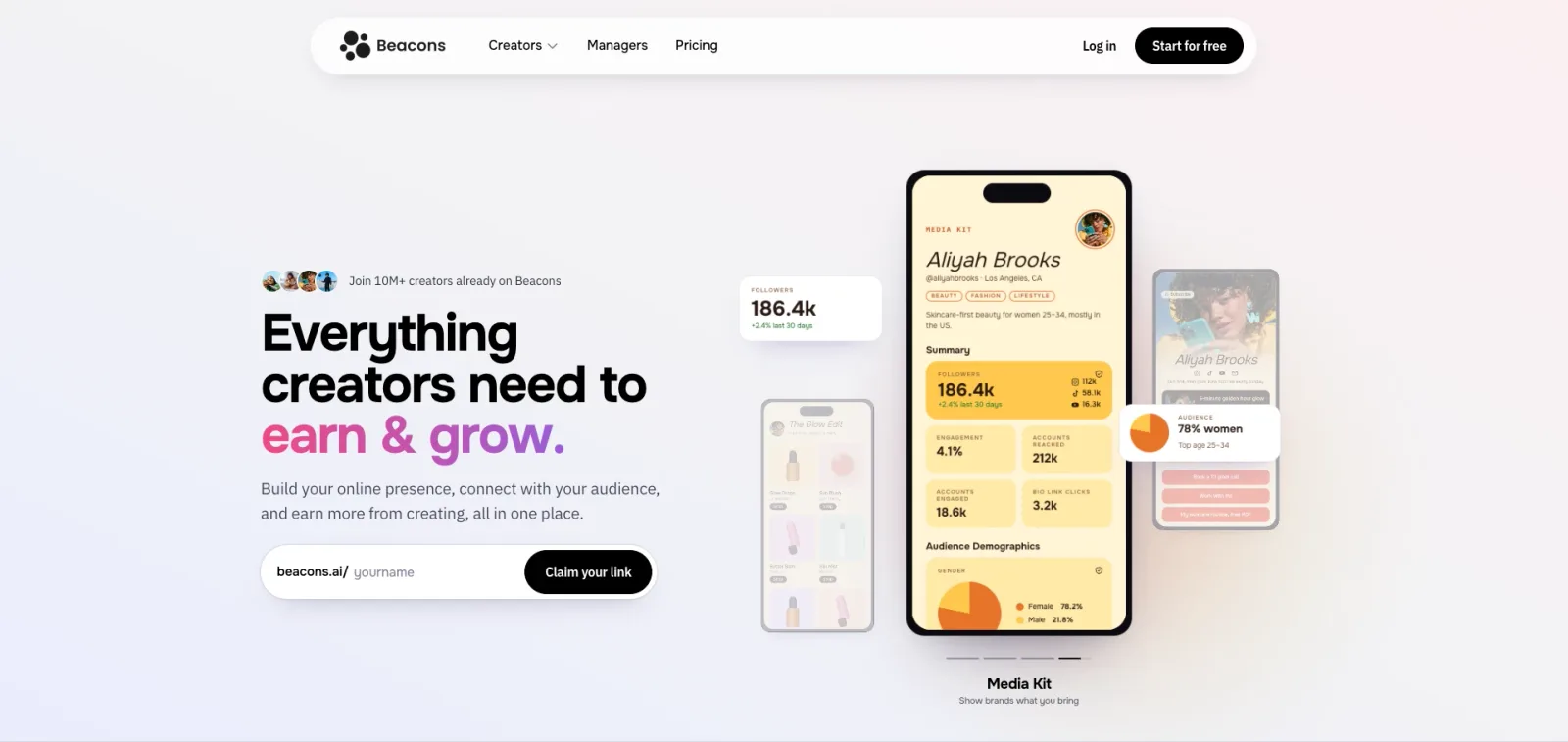
Best for: creators who want a free store alongside creator tools.
Free plan: yes. Beacons' Free Forever plan lets you sell with a 9% seller fee.
What you can sell: courses with video hosting are listed on the free plan.
Fee per sale: 9% on Free and on Creator, 0% on Creator Plus and Creator Max. Stripe and PayPal processing come on top.
Monthly price: Creator is $10 a month ($100 a year), Creator Plus $30 a month, Creator Max $100 a month.
Who it fits: creators who also want Smart Reply auto-DMs, auto-updating media kits and email automations. Creator Plus adds unlimited email sends, unlimited memberships, a free custom domain and buy now, pay later.
Linktree: the biggest bio link, with selling on paid plans
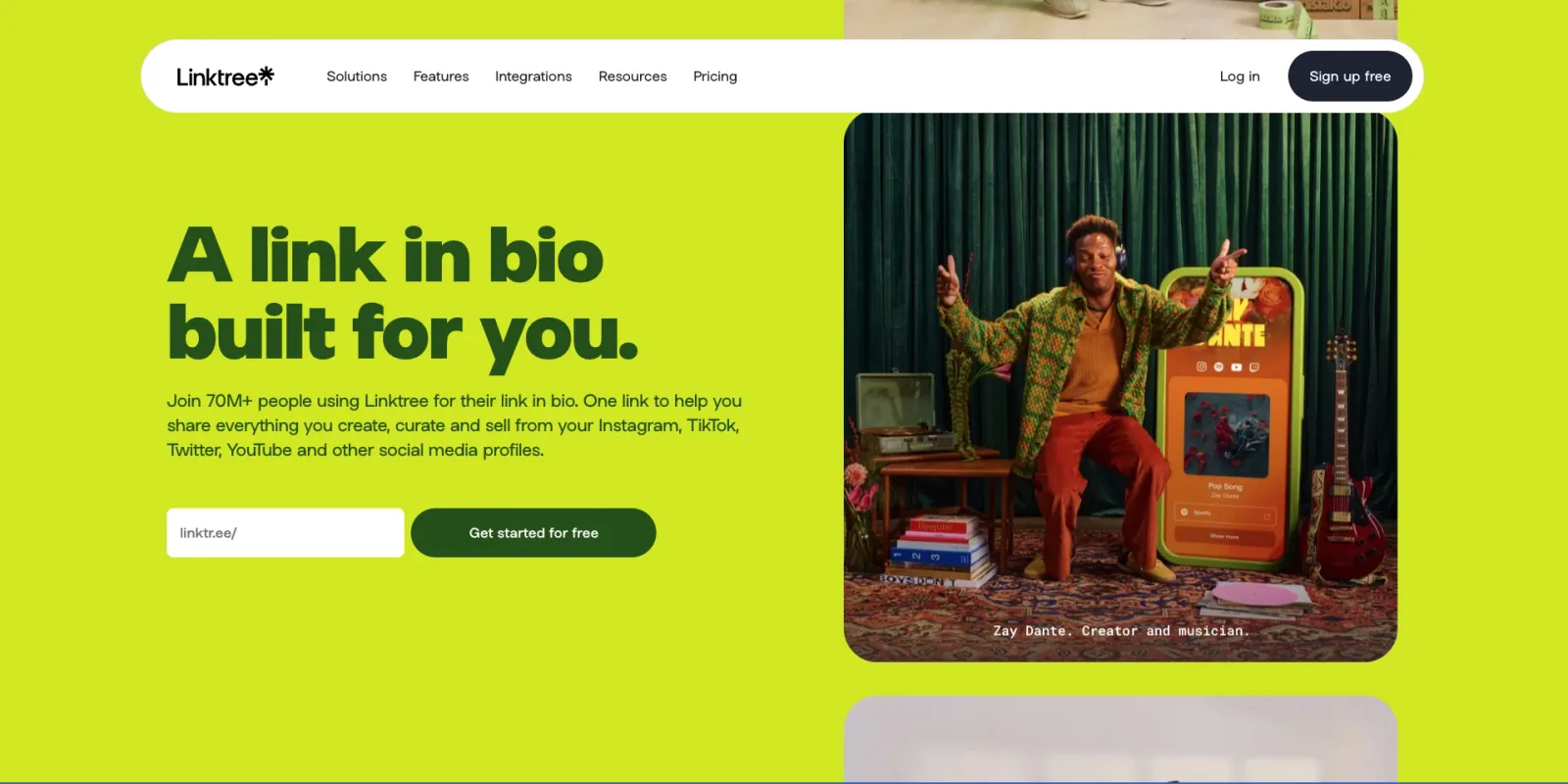
Best for: the most widely known bio link, if you're ready for a paid plan to sell.
Free plan: on Linktree's Free and Starter plans, digital products, bookings and courses are free products only. You can't charge for them.
What you can sell: on Pro and Premium, digital products, paid bookings and paid courses, at any price you set.
Fee per sale: 0% Linktree fees on Pro and Premium. Linktree notes that transaction and processing fees may apply: Stripe's processing fee is deducted before payout.
Monthly price: Starter $9, Pro $17, Premium $35, billed monthly ($7, $14 and $30 a month billed yearly).
Who it fits: creators who already use Linktree and want to start charging. Email goes through integrations with Mailchimp, Klaviyo, Kit, beehiiv and Flodesk.
Stan Store: a storefront with no transaction fee
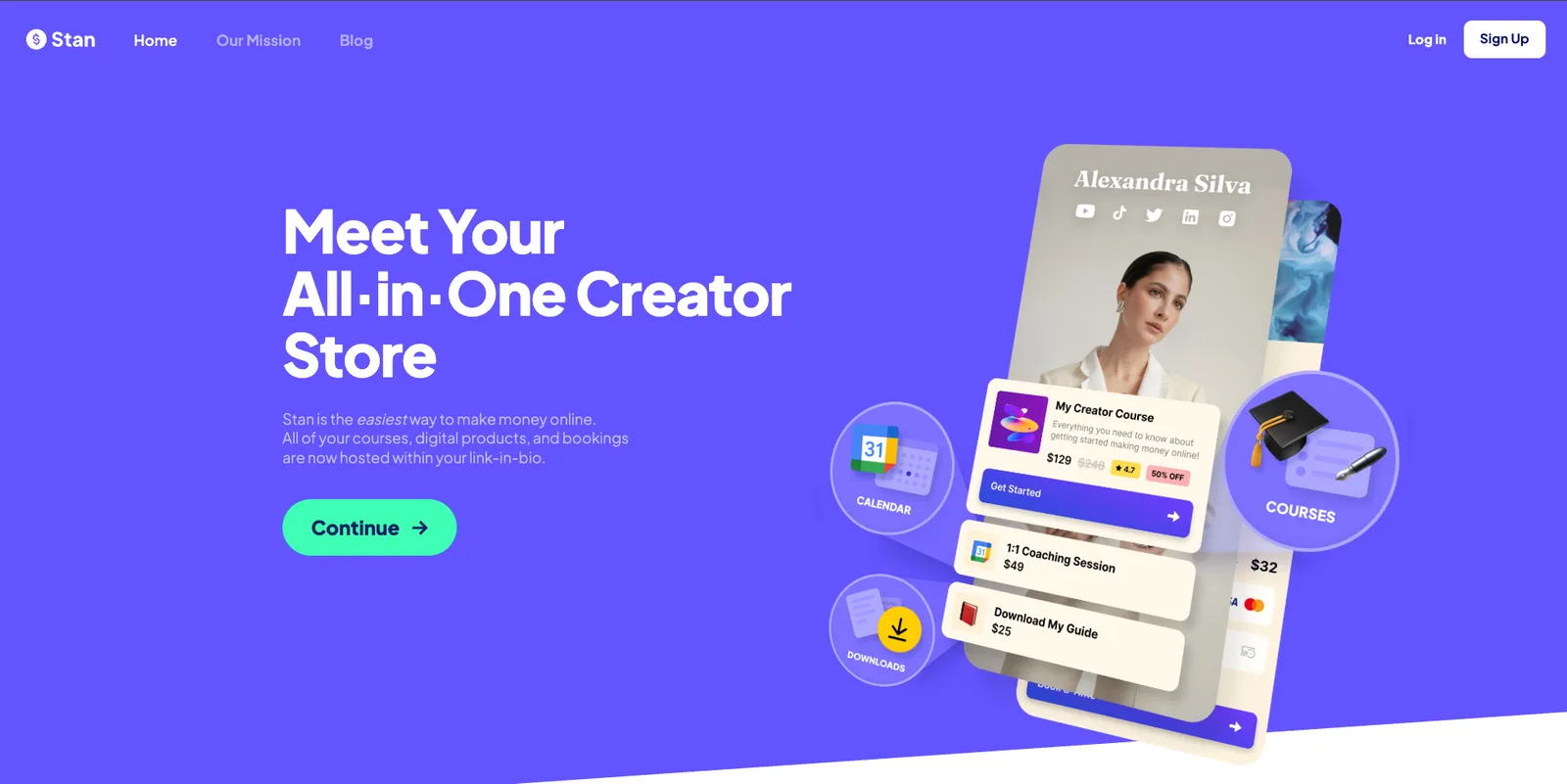
Best for: a creator storefront with no per-sale fee.
Free plan: no. Stan Store has two paid plans.
What you can sell: digital products, an unlimited online course builder, recurring subscriptions, and bookings through its calendar and booking tools.
Fee per sale: zero transaction fees, with card processing from Stripe or PayPal on top.
Monthly price: Creator is $29 a month ($300 a year) and Creator Pro $99 a month ($948 a year).
Who it fits: creators who sell regularly enough that a flat subscription makes sense. Creator includes lead magnets, email collection and Stan AutoDM for Instagram. Creator Pro adds discount codes, upsells and order bumps, payment plans, funnels, affiliate management, email broadcasts and flows, and pixel tracking.
Payhip: a store with a free plan and lower fees on higher plans
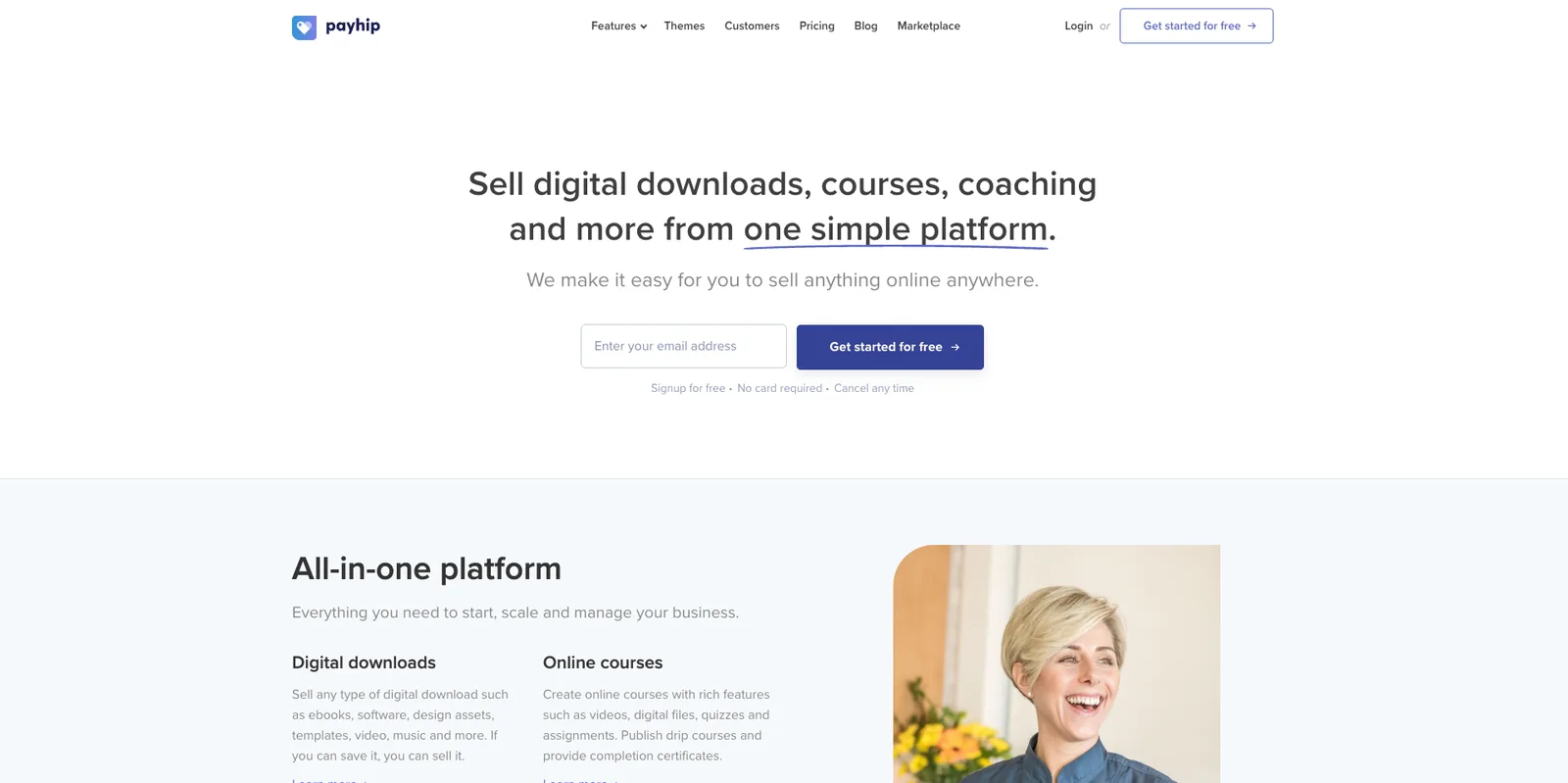
Best for: a store for digital downloads, with a free plan to start.
Free plan: yes, with a 5% transaction fee.
What you can sell: digital products, with unlimited products and unlimited revenue on every plan.
Fee per sale: 5% on Free, 2% on Plus, none on Pro. PayPal and Stripe charge their standard rates on every plan.
Monthly price: Free $0, Plus $29, Pro $99.
Who it fits: sellers who want every feature from day one, since every Payhip plan includes all features.
Gumroad: a marketplace with a per-sale fee and no monthly fee
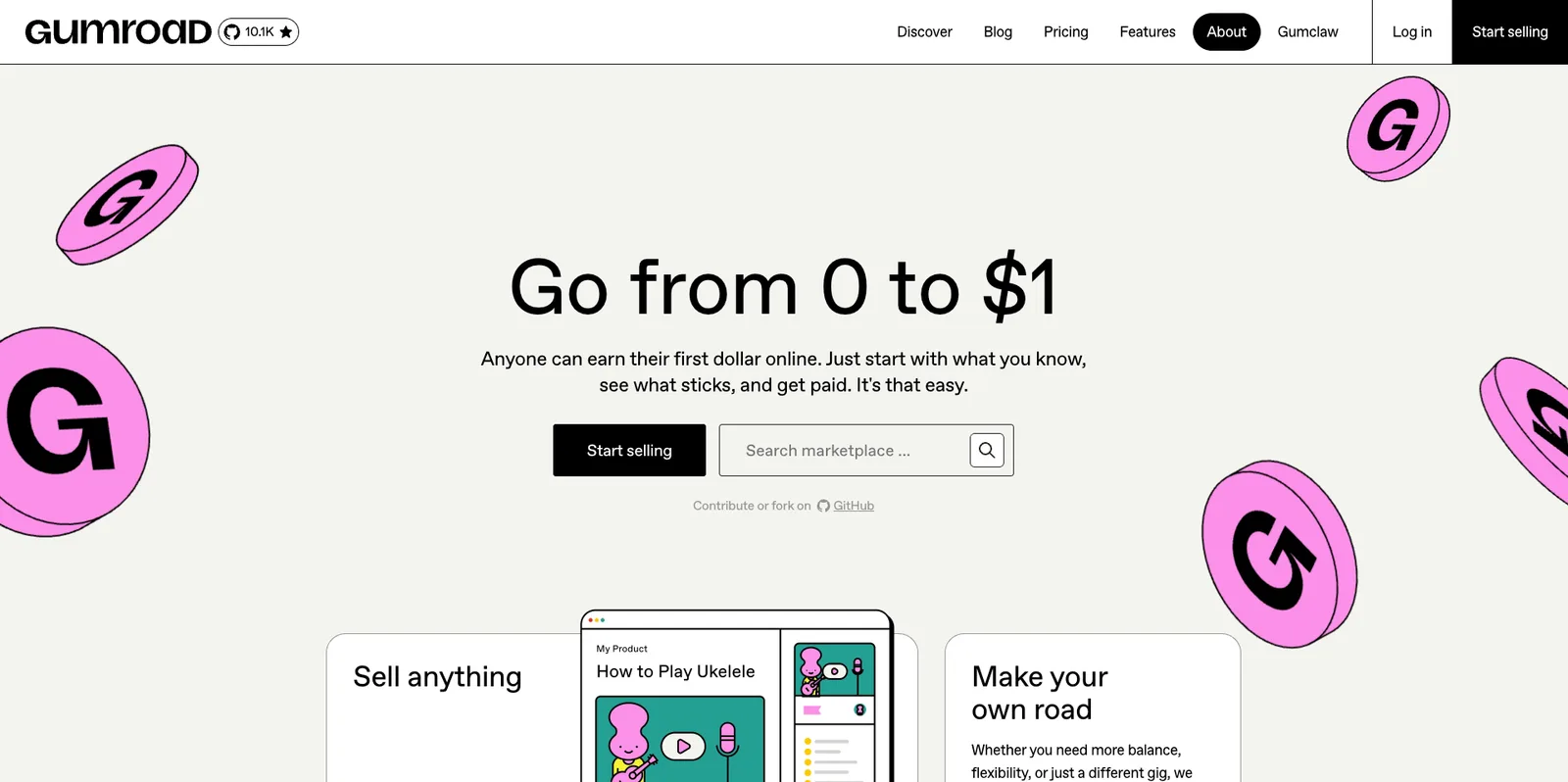
Best for: selling with no monthly fee at all.
Free plan: there's no monthly fee; Gumroad takes a fee per sale instead.
What you can sell: digital products, sold directly or through Gumroad's Discover marketplace.
Fee per sale: 10% + $0.50 per transaction on direct sales, and 30% on sales through Discover.
Monthly price: $0.
Who it fits: creators selling digital products who want sales tax handled for them: Gumroad handles it worldwide as merchant of record, at no extra cost.
Shopify: a full store builder when a bio link isn't enough
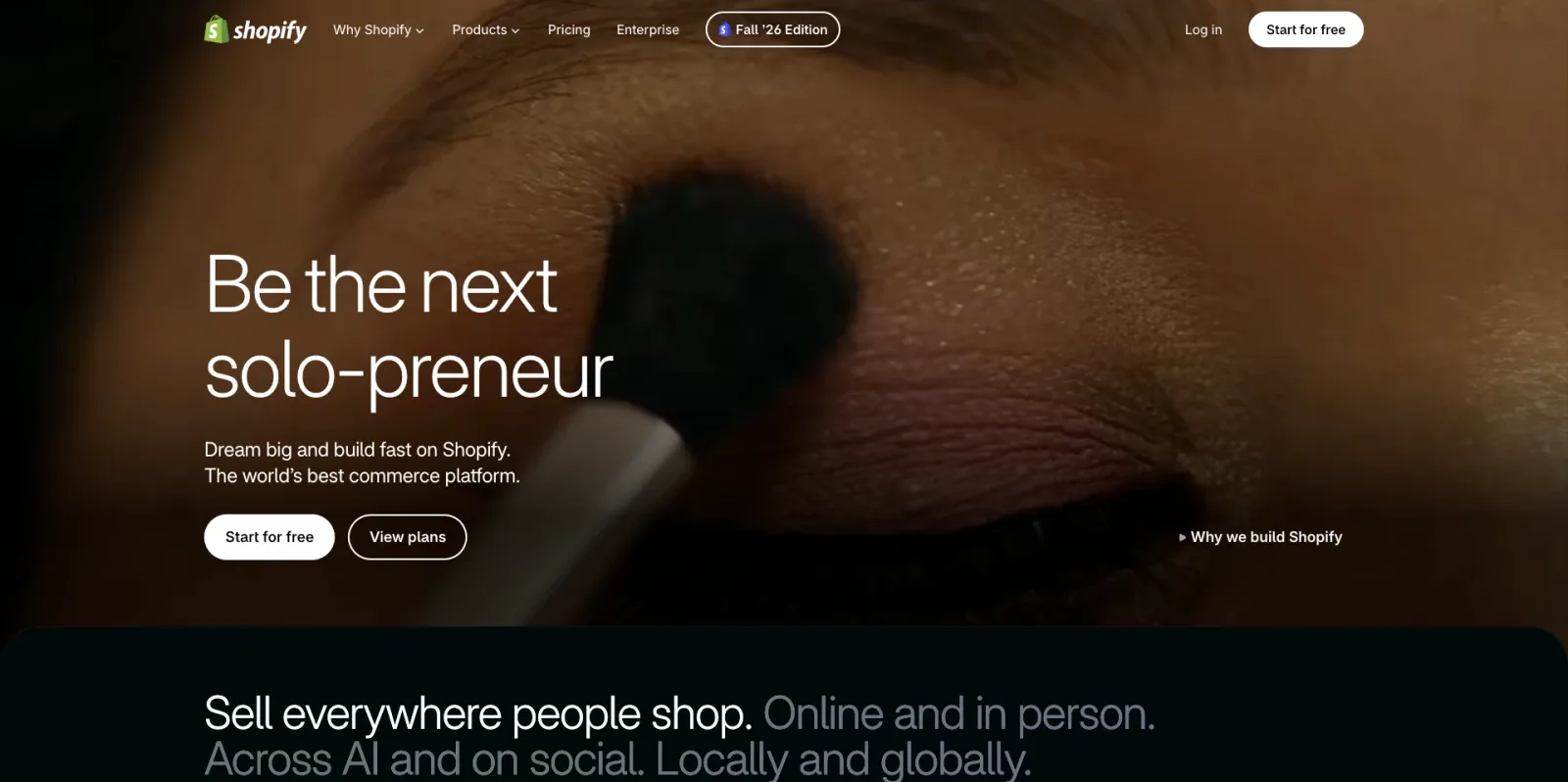
Best for: a full online store, when a bio link isn't enough.
Free plan: no. Shopify starts with a 3-day free trial, then most plans cost $1 a month for the first 3 months.
What you can sell: physical and digital products, digital ones through Shopify's free Digital Products app. Bookings and events go through apps from the Shopify App Store, and print-on-demand through print-on-demand apps.
Fee per sale: Shopify's online card rate is 2.9% + 30¢ on Basic, 2.7% + 30¢ on Grow and 2.5% + 30¢ on Advanced. That rate is payment processing, not a separate platform fee. Using a third-party payment provider adds 2%.
Monthly price: Basic $39, Grow $105, Advanced $399, billed monthly ($29, $89 and $359 a month billed yearly).
Who it fits: brands with a larger catalog that need full store features. Email marketing runs on Shopify Messaging, formerly Shopify Email, and you can use your own domain.
What a $25 product costs on each tool
Fees are easier to compare on a real sale. Each tool is shown on the plan it uses to sell, with its monthly price beside it; the per-sale math leaves the subscription out.
Example: you sell a $25 product 20 times in a month, $500 of sales. Platform fees only:
| Tool | Plan (monthly price) | Fee per sale | On one $25 sale | On 20 sales ($500) |
|---|---|---|---|---|
| Paage | Pro ($29) | 1%, minimum $0.50 | 1% × $25 = $0.25, so the $0.50 minimum applies | 20 × $0.50 = $10 |
| Beacons | Free ($0) | 9% | 9% × $25 = $2.25 | 20 × $2.25 = $45 |
| Linktree | Pro ($17) | 0% Linktree fee | $0 | $0 |
| Stan Store | Creator ($29) | 0% | $0 | $0 |
| Payhip | Free ($0) | 5% | 5% × $25 = $1.25 | 20 × $1.25 = $25 |
| Gumroad | No monthly fee | 10% + $0.50 | 10% × $25 + $0.50 = $3 | 20 × $3 = $60 |
| Shopify | Basic ($39) | 2.9% + 30¢ card rate | 2.9% × $25 + $0.30 ≈ $1.03 | 20 × $1.025 = $20.50 |
Card processing comes on top on Paage, Beacons, Linktree, Stan Store and Payhip. Shopify's card rate already includes it (bank fees included).
On Paage Pro, the difference with a 0% plan is $10 on $500 of sales. Pro is a paid plan (plans and fees), and the subscription buys far more than a lower fee:
-
Sell: a shop of up to 500 products and services, discount codes, Instagram and TikTok shopping, automatic invoicing and abandoned cart recovery.
-
Grow: unlimited contacts, audience segmentation and workflow automations.
-
Build: your link in bio, unlimited pages, your Paage in up to 8 languages, and no Paage logo.
-
Team: a second teammate and a dedicated account manager.
And if you'd rather not pay a subscription at all, Paage Free sells too, with a 9% fee.
What you can sell and what comes with it
| Feature | Beacons | Linktree | Stan Store | Payhip | Gumroad | Shopify | Paage |
|---|---|---|---|---|---|---|---|
| Free plan that can sell | Yes | No | No | Yes | Yes | No | Yes |
| Digital products | Yes | Yes | Yes | Yes | Yes | Yes | Yes |
| Physical products | No | No | No | No | No | Yes | Yes |
| Print-on-demand built in | No | No | No | No | No | No | Yes |
| Paid bookings for services | No | Yes | Yes | Yes | No | No | Yes |
| Event tickets | No | No | No | No | No | No | Yes |
| Email marketing to buyers | Yes | No | Yes | Yes | No | Yes | Yes |
| Custom domain | Yes | No | No | Yes | No | Yes | Yes |
A cross means the feature isn't built in: Linktree connects to Mailchimp, Klaviyo, Kit, beehiiv and Flodesk for email, and Shopify uses apps from its App Store for print-on-demand, bookings and event tickets. On Linktree, digital products and paid bookings need a Pro or Premium plan; on Stan Store, email broadcasts and flows are on Creator Pro.
Sources: Beacons help center, Linktree pricing and paid features, Stan Store pricing, Payhip pricing, Gumroad pricing, Shopify pricing and help center, and the Paage help center.
Why selling from one page matters: bookings, tickets and your email list
A sale, a booking and a ticket all start the same relationship. On Paage, they feed one contact list: every visit, sale or booking becomes a contact automatically, in the same audience you email.
That matters more than it looks. In Paage's own data, adopting an email list is the strongest signal that a Paage user moves to a paid plan, with a 7.5× lift. The list is where repeat sales come from, so it helps when every kind of sale builds it.
One page also means one link. Your shop, your appointments, your next event and your newsletter sign-up sit behind the same bio link, instead of on four tools with four checkouts.
Which tool to pick for what you sell
-
Digital downloads: Paage sells digital products next to everything else on your page. Payhip and Gumroad are dedicated download stores. We compare these in more depth in the best link in bio tool for selling digital products.
-
Physical products and print-on-demand: Paage sells physical products and print-on-demand merch through Printiverse, built into your page. Shopify fits when the catalog outgrows a bio link.
-
Services and appointments: Paage's appointments let clients pick a service and book and pay for a time slot, on the Free plan too, with session packages, reminders and deposits. Stan Store and Linktree Pro also take paid appointments.
-
Events: Paage sells free and paid tickets, with several ticket types, QR check-in and reminders by email and SMS.
For a broader view of bio links beyond selling, see our guide to the best link-in-bio platforms, and for store-first options, our Linktree alternatives for e-commerce.
Which one should you pick?
-
You sell products, bookings and tickets, and want your list on the same page: Paage.
-
You want a free plan that can already sell: Paage or Beacons.
-
You sell physical products or print-on-demand merch from your bio: Paage.
-
You sell services and take paid bookings: Paage.
-
You sell event tickets: Paage.
-
You sell digital downloads: Paage, Payhip or Gumroad.
-
You want a storefront with no per-sale fee: Stan Store.
-
You want the most widely known bio link: Linktree, on Pro to sell.
-
You need a full online store: Shopify.