Link-in-bio | Link in Bio Meaning
What Is a Link in Bio? Meaning and How to Add One
 Jules Agar
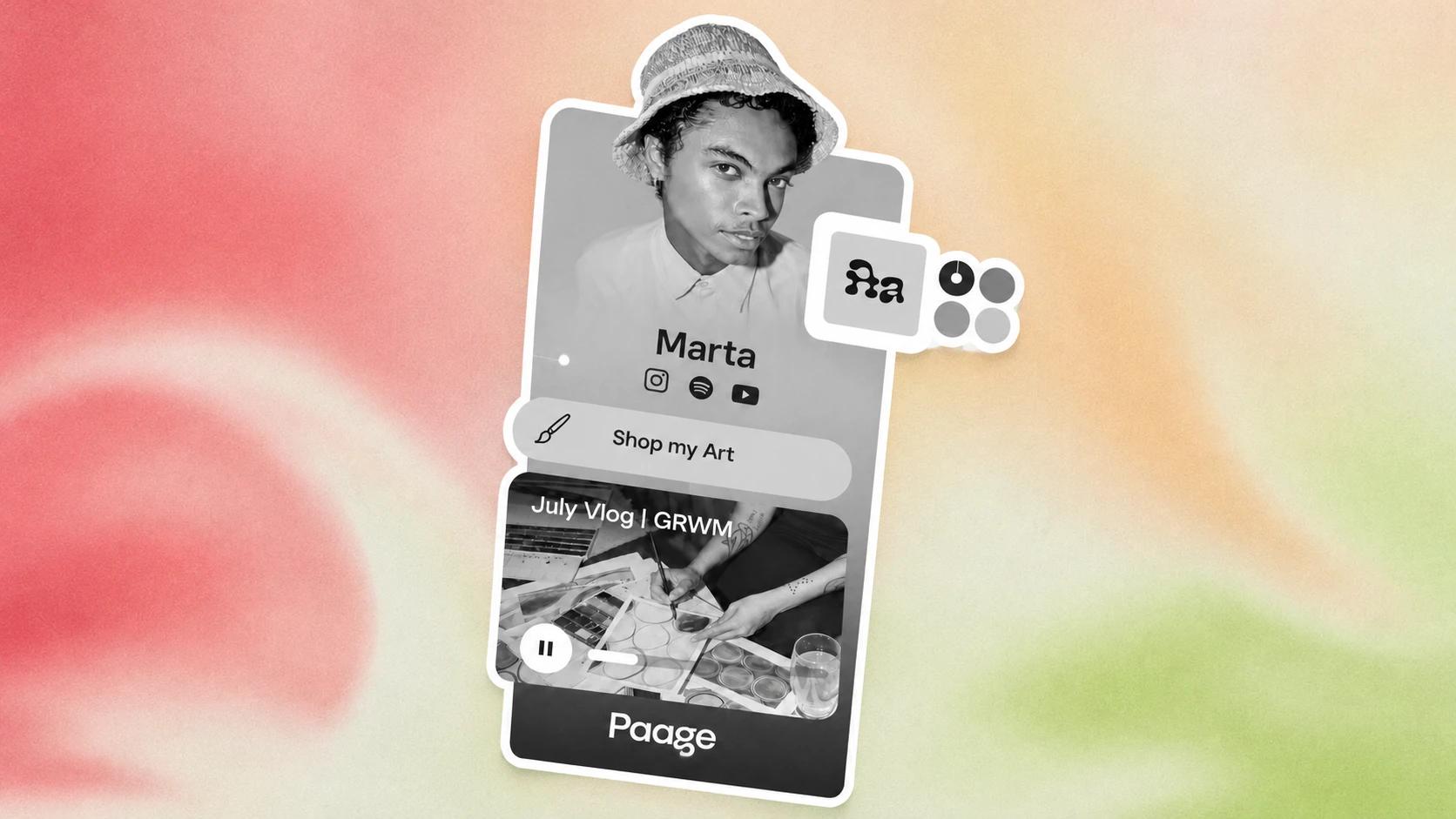
You keep seeing "link in bio" under posts and videos, and you want a plain answer: what is a link in bio, where is it, and how do you get one? This guide covers what it means, where to find it, how to add one on Instagram, TikTok and YouTube, and what a link-in-bio page can do beyond a list of links.
What does "link in bio" mean?
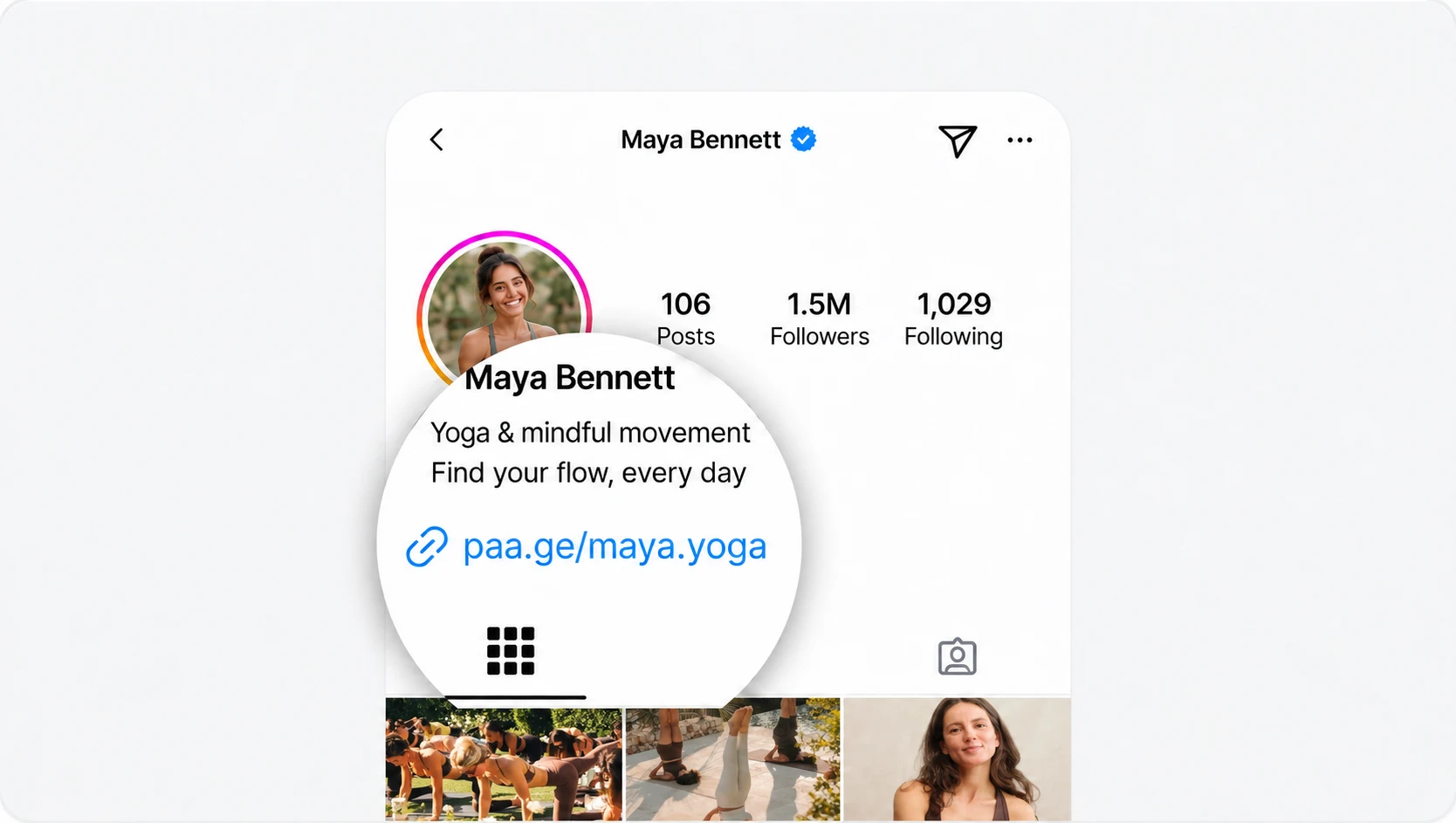
The link in bio meaning is simple: it's the link in the profile section of a social account. When a post says "link in bio", it's asking you to open the creator's profile and tap that link to reach the page, product or signup the post is about.
Most platforms don't let you put a clickable link in every post, so the profile link does the job for all of them. Many creators and businesses point it to a link-in-bio page: one page that gathers everything they want followers to reach. If you're writing the bio text around it, see how to write an Instagram bio that stands out.
Where do you find the link in bio on a profile?
Open the account's profile. The link sits under the name and the bio text; tap it to open it. If the account uses a link-in-bio page, that tap opens a page with all their links, products or bookings.
How to set up a link in bio in 4 steps
- Pick a link-in-bio tool and claim your page. Your page gets its own address, which is the link you'll share.
- Add the destinations you want followers to reach. Your latest content, a product, a booking page, an email signup.
- Paste the page's link into each profile. The steps for each platform are below.
- Check it on your phone. Open the link from your own profile and tap every link on the page to make sure it works.
Link in bio vs a short link vs a website: what's the difference?
A short link (from a URL shortener) is one link with one destination. A link-in-bio page is one link that opens a mini-site with all your destinations. A website has more pages and takes more setup; a one-page website sits in between.
| Link in bio | URL shortener | Personal website | |
|---|---|---|---|
| Destinations | Many, on one page | One per short link | Many, across several pages |
| Setup | Quick: add your links and blocks | Quickest: paste a URL | Longest: pages, design, hosting |
| Cost to start | Free on Paage | Often free | A domain, hosting and a theme |
| Built for phones | Yes | Not applicable: it only redirects | Depends on the theme |
| Quick edits | Yes | Yes | Usually slower |
| Built-in analytics | Yes (basic on Paage Free) | Usually | Needs setup |
| Take payment or bookings | On Paage, yes, on the page | No | With a shop or booking tool added |
| Best for | Sending followers from your profile to everything you do | Tracking clicks to one destination | Long-form content, a blog, a full store |
| Examples | Paage, Linktree, Beacons | Bitly, TinyURL | WordPress, Squarespace, Webflow |
Some guides say a link-in-bio page isn't meant for checkouts. That depends on the tool: a page that takes payment turns the click from your profile into the sale itself.
How to add a link to your bio on Instagram, TikTok and YouTube
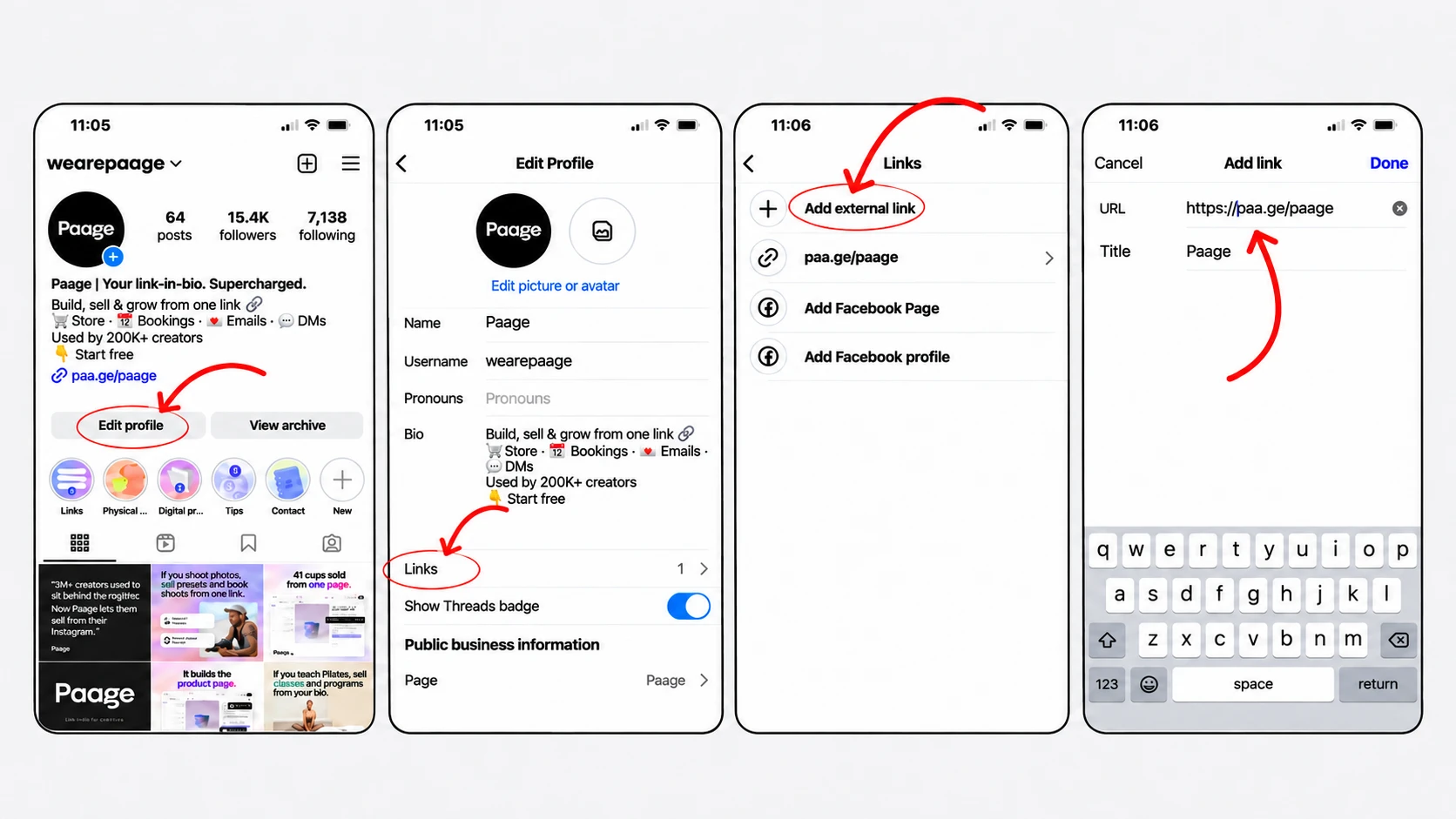
Instagram. You can add up to 5 websites to your Instagram profile. One of them can be your link-in-bio page, which holds everything else. More on setting it up: Instagram link in bio.
TikTok. In the TikTok app, tap Profile, then Edit profile, then Add next to Links. If you don't see Links, the option isn't available on your account yet. More on setting it up: TikTok link in bio.
YouTube. A channel can show up to 14 links on its Home tab, and the first one appears in the profile section near the Subscribe button. Add them in YouTube Studio: Customization, then Profile, then Links, then Publish. More on setting it up: YouTube link in bio.
What to put on a link-in-bio page (beyond links)
Think in jobs, not links: what do you want a follower to do once they tap? Buy something, book a slot, get a ticket, pre-save a release, join your email list. Put the most important job first.
A few examples by profile, built from what a Paage page can hold:
- A musician: a Music block with the latest release on every streaming platform, a pre-save for the next one, merch and concert tickets. See Spotify link in bio.
- A coach: paid or free bookings, programs sold as products and an email list.
- A shop: products and gift cards, paid for on the page.
- A restaurant: gift vouchers and a menu page, alongside the reservation tool it already uses.
For more ideas, see these link-in-bio examples for small businesses.
Paage: a link-in-bio page that sells, books and grows your list
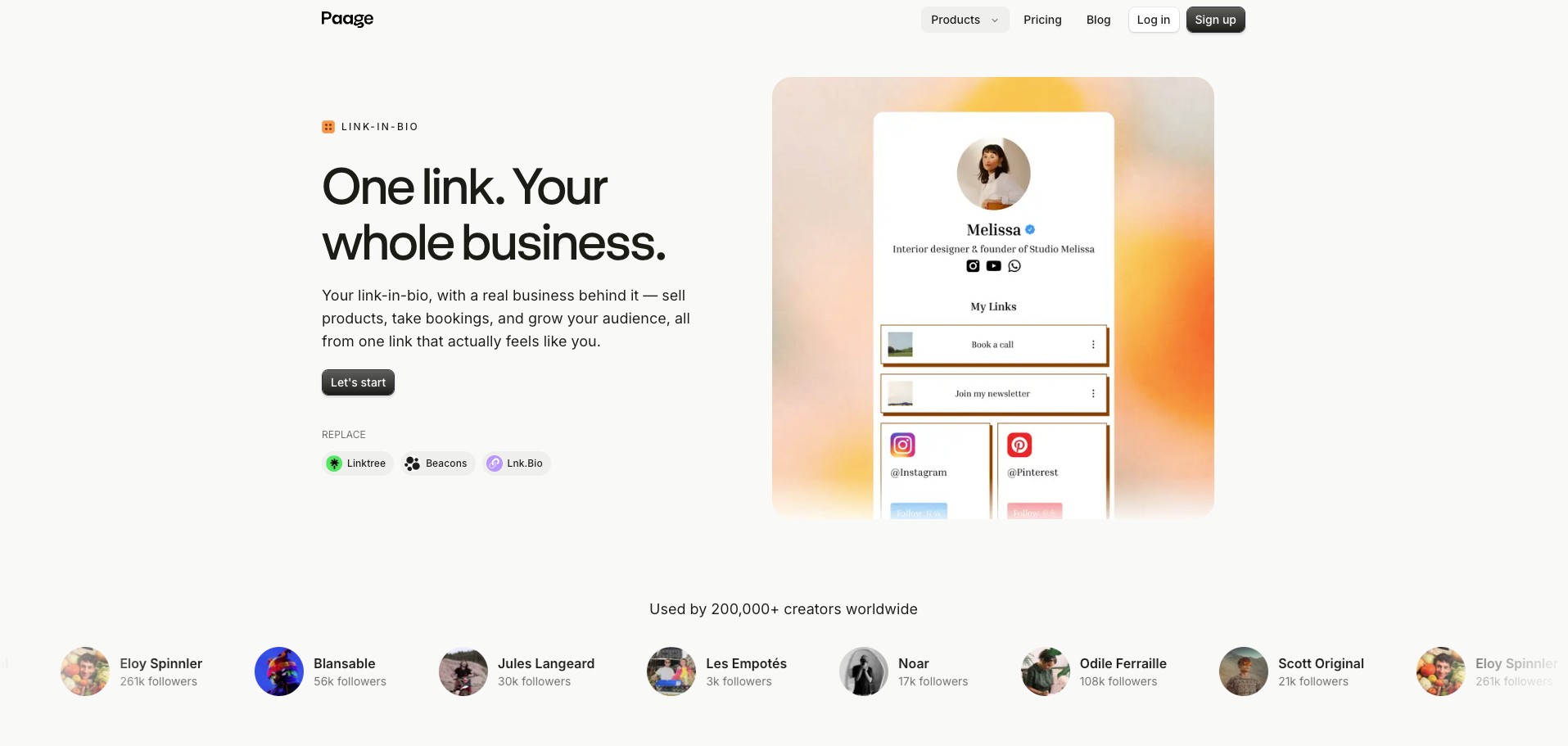
Paage is a link-in-bio page used by 200,000+ creators. Instead of one long list of links, it's a mini-site with tabs, for example a store, your links and a gallery.
- Sell on the page. Add products, take payment and confirm orders without sending buyers to another checkout. Every sale lands in one order view.
- Bookings, events and vouchers. Appointments (paid bookings are available on the Free plan), events and tickets, vouchers and gift cards.
- Your audience. Email campaigns and a contact list that builds itself from the people who buy, book or sign up.
- Music. Paste a track, album or playlist link into the Music block: Paage finds it on the other platforms and offers to add them, and playlists play on the page. Pre-saves are included in the Free plan and work with all streaming services, such as Spotify, Apple Music and Deezer: fans get a release-day notification, and their email is captured.
- Your platforms. Paage connects with YouTube, Instagram, Spotify, TikTok, SoundCloud, Pinterest, Telegram, Twitch, Bluesky, X, Google Maps and Strava, and it supports a custom domain.
The Free plan is free forever. It includes the link-in-bio page, 3 pages, 3 products, 250 contacts, 250 emails a month and basic analytics. A fee applies only to paid sales: 9%, with a $0.50 minimum per transaction, plus card processing. Paid plans add room as you grow: Basic ($8 a month), Plus ($16) and Pro ($29), which unlocks unlimited contacts, 500 products, workflow automations, a second workspace user and up to 8 languages. See plans and fees.
Why an email signup belongs on your link in bio
Your followers belong to the platform: its algorithm decides who sees your posts. An email list is yours, and you can reach it whenever you want.
Paage's own data points the same way: Paage users who adopt an email list are 7.5 times more likely to become paying users. On Paage, the signup sits on your link-in-bio page, and every contact goes into your audience.
How to set up a link in bio on Paage
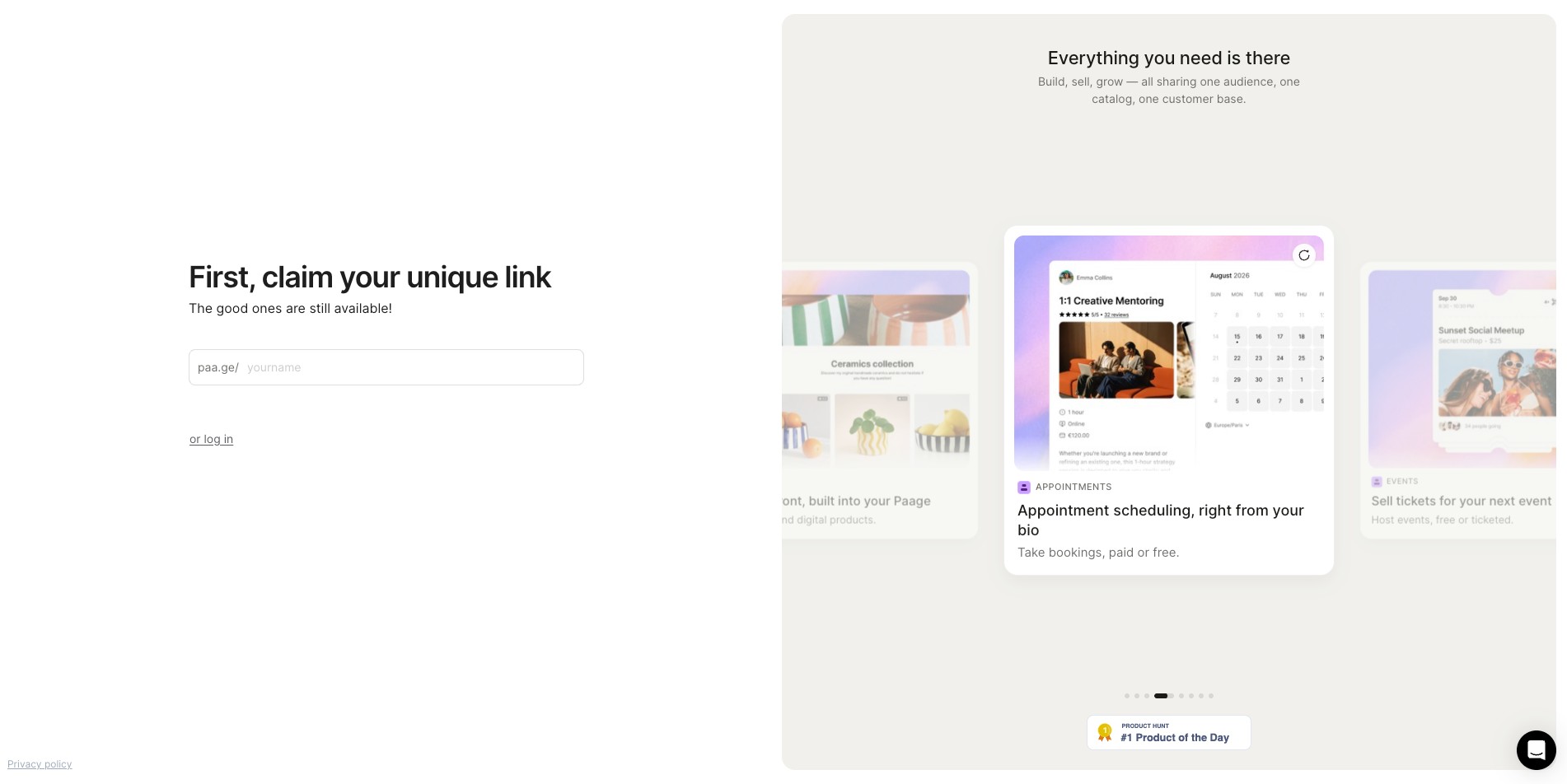
- Create a free Paage. Start here.
- Add your links and tabs. Group them, for example a store, your links and a gallery.
- Add what you sell. Products, bookings, tickets or vouchers.
- Share it. Paste your Paage link in your Instagram, TikTok and YouTube profiles, and print the QR code for flyers, packaging or your counter.
Common misconceptions about the link in bio
- "Social platforms allow only one link in your bio." Instagram allows up to 5 links and YouTube up to 14 (see the help pages linked above).
- "A link in bio is just a list of links." It can hold a shop, bookings, tickets and an email signup, organised in tabs.
- "You can't sell from a link in bio." On Paage, the checkout is part of your link-in-bio page: buyers pay without leaving it.
- "A link-in-bio page costs money." Paage's Free plan costs nothing; you pay a fee only when you make a sale (see the plan details above).
Link-in-bio mistakes to avoid
- Broken or outdated links. Check your page after every change, and remove what's finished.
- Too many equal-weight links. If everything looks the same, nothing stands out. Put the main job first.
- Sending buyers off to a separate checkout. Every extra step loses people; take payment on the page when your tool allows it.
- No way to collect emails. A follower who doesn't buy today can still hear from you next month.
- Never checking which links get clicks. Paage's Free plan includes basic analytics: use them to reorder your page.
For a wider look at the tools, see our guide to the best link-in-bio platforms.