Commerce | How to Sell a PDF Online in 2026: The Complete Guide for Creators
How to Sell a PDF Online (2026)
 Jules Agar
The short answer: To sell a PDF online, you need a platform that handles file hosting, secure delivery, and payment processing. Creators can sell PDFs through digital marketplaces like Etsy or Gumroad, through their own website, or through an all-in-one platform like Paage that combines a storefront, email collection, and audience management in a single link — with no monthly fee required to start.
What does it mean to sell a PDF online?
Selling a PDF online means listing a digital file — an ebook, template, guide, workbook, printable, or checklist — as a product that buyers can purchase and download instantly. Once the file is created, it can be sold an unlimited number of times with no additional effort, no shipping, and no inventory.
This makes PDF selling one of the most accessible forms of digital commerce for creators, coaches, freelancers, educators, and small businesses.
Why selling PDFs is one of the best moves for creators
Zero marginal cost. You create the file once and sell it indefinitely. There is no cost of goods, no shipping fee, and no restocking.
Immediate delivery. Buyers receive their purchase within seconds of payment.
High perceived value. A well-designed, specific PDF routinely sells for $9 to $97 or more.
Works from your phone. PDF products can be managed entirely from a mobile device.
The global digital content market continues to grow as more buyers prefer downloadable resources over physical alternatives. Planners, templates, guides, and educational workbooks are among the most searched digital product categories in 2026.
What types of PDFs sell best?
Educational guides and workbooks — Step-by-step guides, printable workbooks, learning tools. Work well for coaches, tutors, fitness trainers, and course creators.
Business and professional templates — Editable contracts, proposals, invoices, onboarding checklists. Freelancers and agency owners are the most consistent buyers.
Planners and trackers — Weekly planners, habit trackers, financial spreadsheets, meal plans. Sell particularly well on Instagram, Pinterest, and TikTok.
Creative resources and design assets — Brand kits, Canva templates, resume layouts, style guides.
Niche expertise packaged as a guide — A photographer's lighting guide, a baker's recipe bundle, a coach's onboarding packet.
The most important question is not "what format?" but "what specific problem am I solving, and for whom?"
How to create a PDF worth buying
Choose a specific, high-value topic
Ask yourself three questions before creating anything:
-
Who specifically is this for?
-
What outcome will they achieve?
-
What's frustrating them right now, and how does this solve it?
Design for clarity
Use consistent fonts (no more than two), plenty of white space, clear section headings, and a logical flow. Tools like Canva or Google Docs work well — no design background needed.
Add your perspective
Buyers pay for organized, opinionated, experience-backed guidance. Share your framework, your process, or a real example. This makes the PDF feel personal, credible, and worth the price.
Export correctly
Always export as PDF. Verify fonts render correctly across devices, images are not pixelated, and interactive elements work. Test on both mobile and desktop before listing.
Where to sell your PDF: the main options compared
Digital marketplaces (Etsy, Gumroad, Payhip)
Advantages: Built-in traffic, established payment processing, simple setup.
Disadvantages: Transaction fees reduce margins. Limited control over brand, customer experience, and customer data.
Best for: Creators just starting out without an existing audience.
Your own website (Shopify, WordPress, Squarespace)
Advantages: No marketplace fees. Full brand control. Customer data stays with you.
Disadvantages: More technical setup. You drive all traffic yourself.
Best for: Creators with an existing audience and technical confidence.
An all-in-one platform (Paage, Kajabi, Stan Store)
All-in-one platforms combine the storefront, payment processing, file delivery, and audience management in one system. Kajabi is built for course creators; Stan Store targets social-first creators. Paage is built for creators who want to sell directly from a bio link — without a separate website, without a monthly subscription fee to start.
How to sell a PDF on Paage
Step 1: Create your Paage account
Go to app.paa.ge/en/auth/grab-link and create your free account.
Step 2: Add your digital product
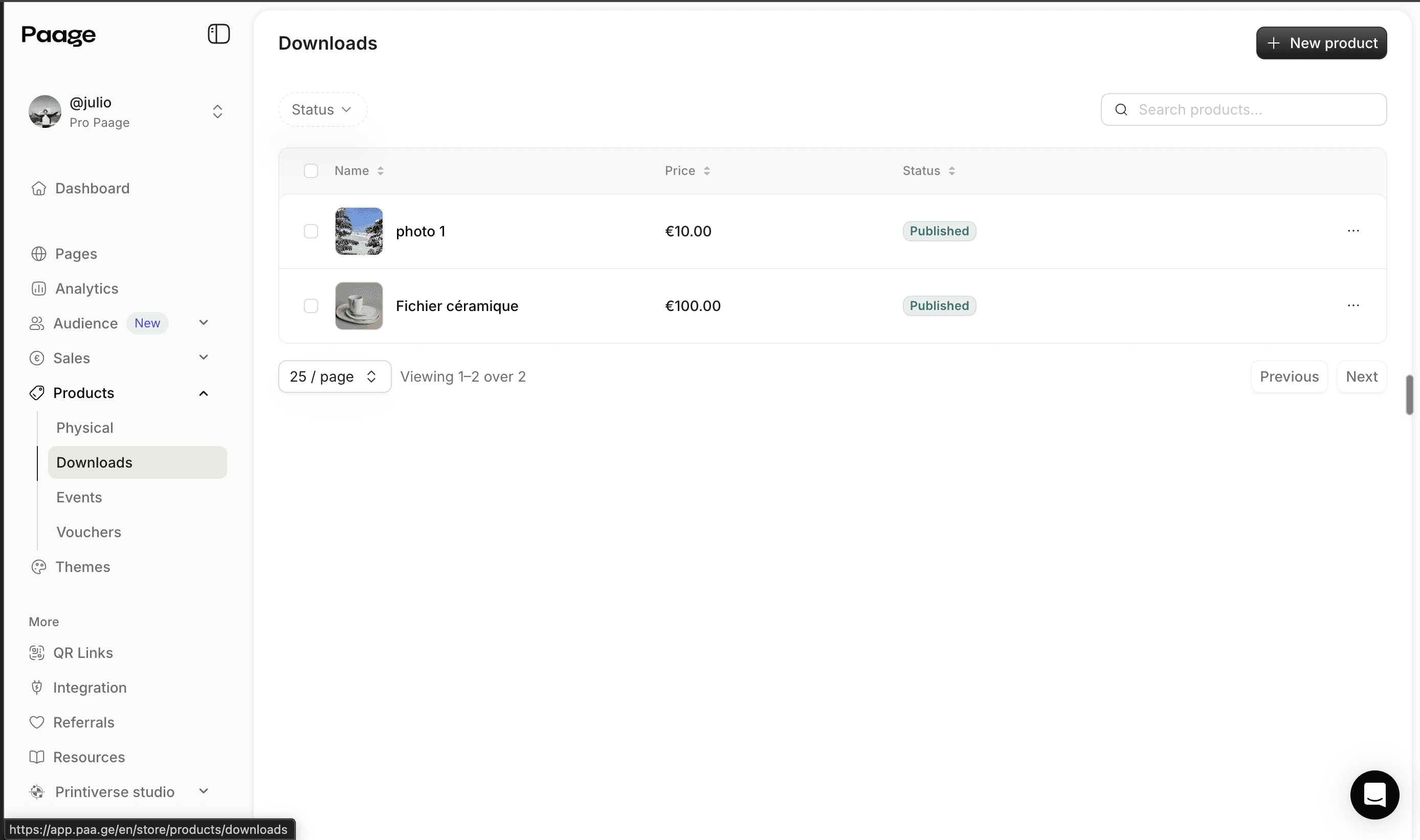
Navigate to Products > Downloads. Click Add Product, enter the product name, write a description, set your price, and upload your PDF file.
Step 3: Set the delivery method
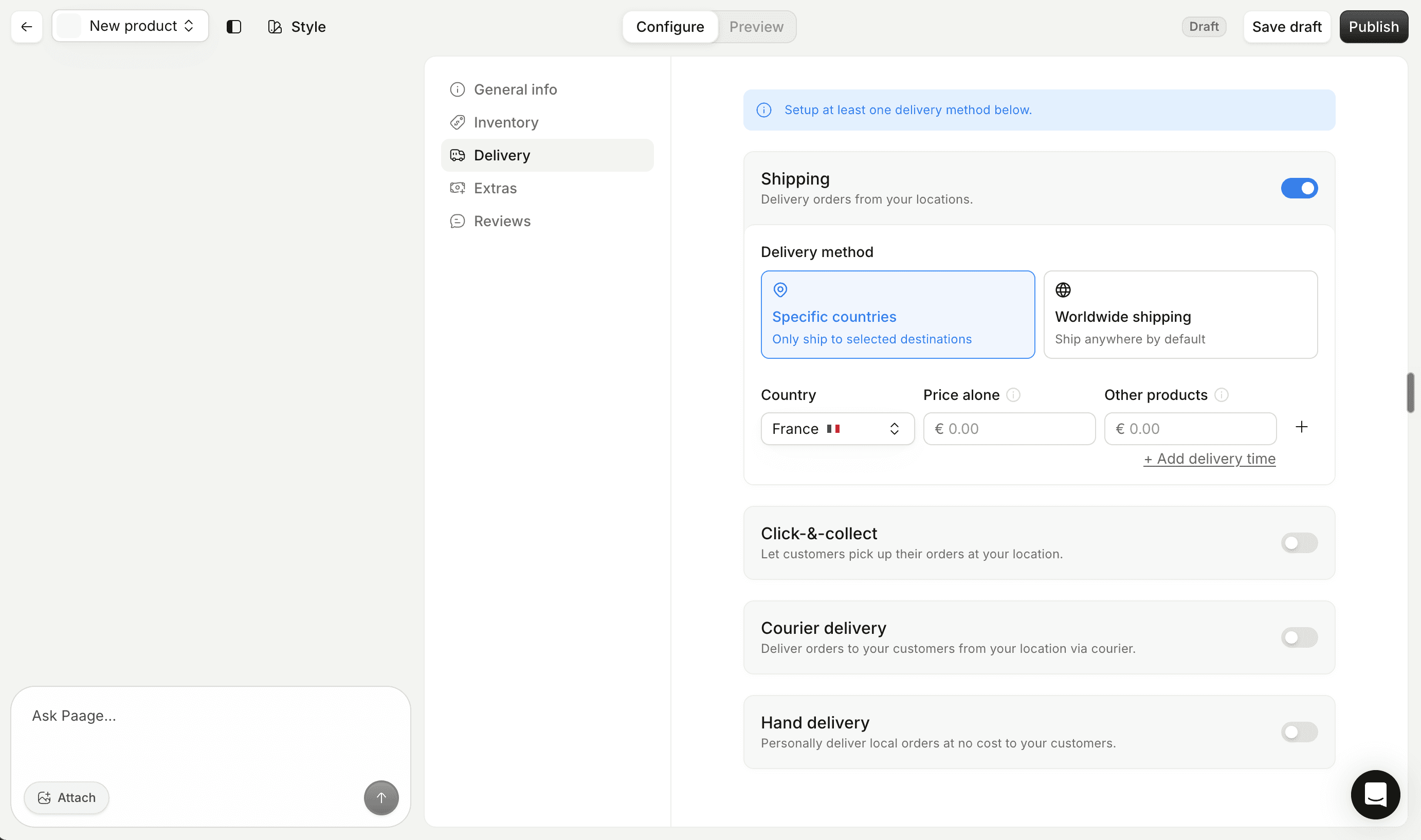
In the product settings, configure how the file is delivered. You can also set up an automatic follow-up email after the transaction is confirmed.
Step 4: Add the product to your Paage page
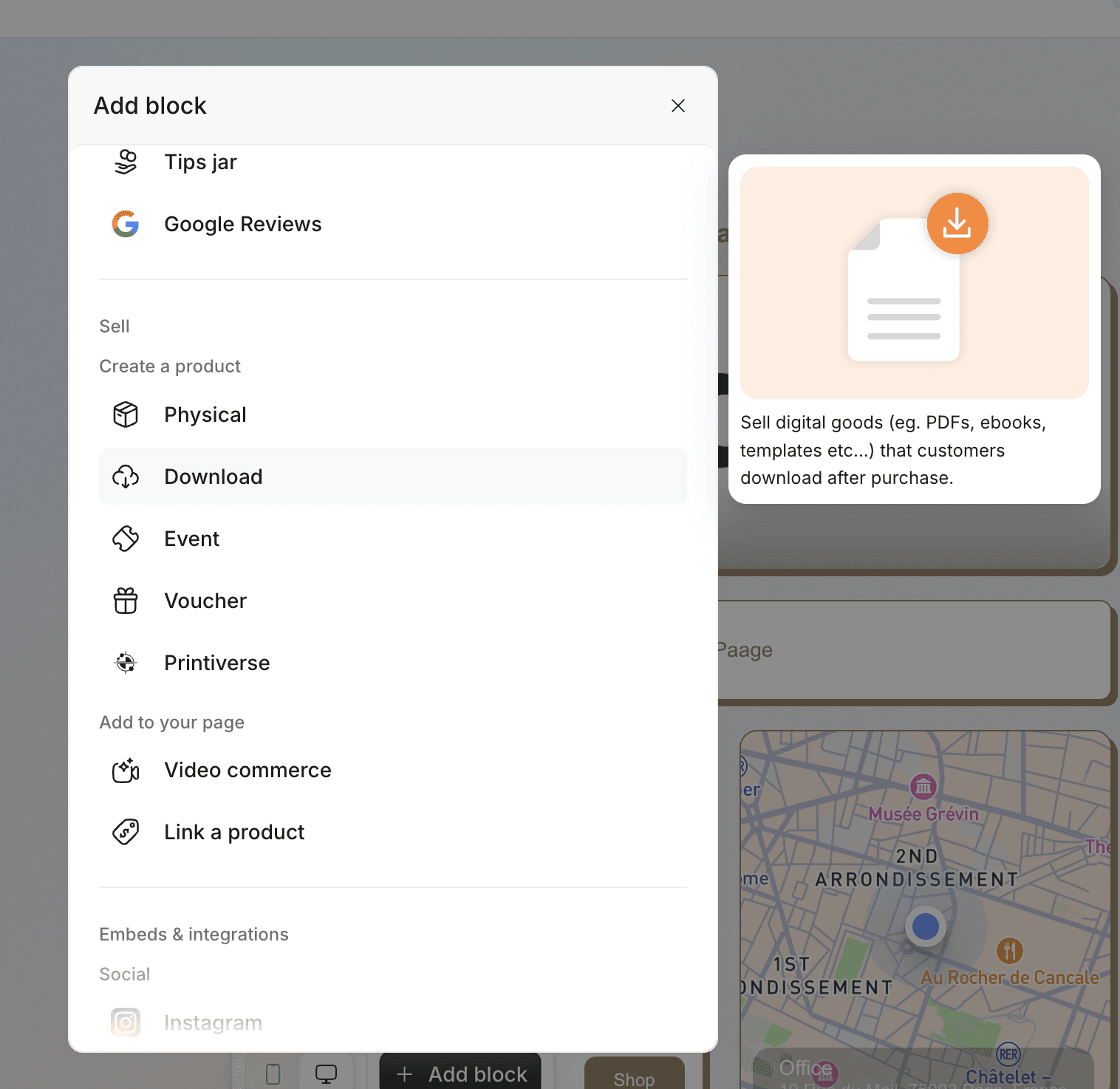
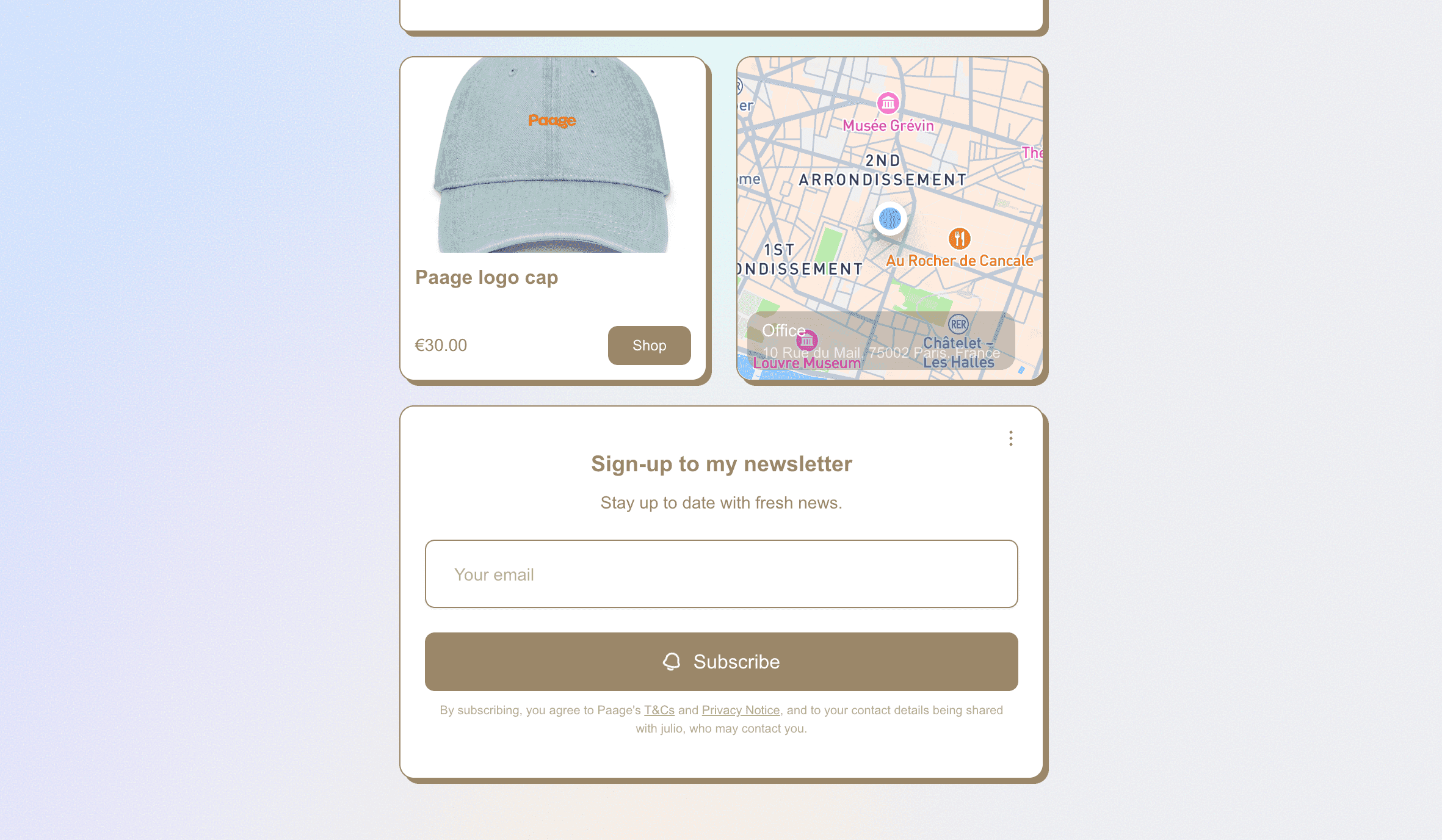
Select Add Block > Sell Products and choose the PDF you just created. The product appears on your page with a buy button, price, and description.
Step 5: Use AI to generate your product description (optional)
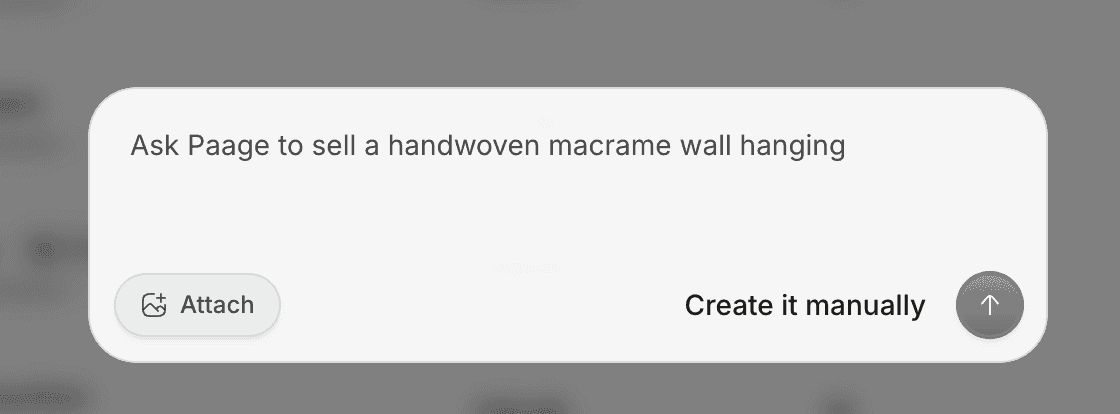
Paage includes an AI prompt tool to help write compelling product descriptions. Enter a few details about your PDF and get a sales-ready description.
Step 6: Collect emails at the same time
Add an email opt-in block alongside your product block. Visitors can either buy immediately or sign up first. This creates a natural funnel: visitor arrives → signs up → receives welcome email → is encouraged to purchase.
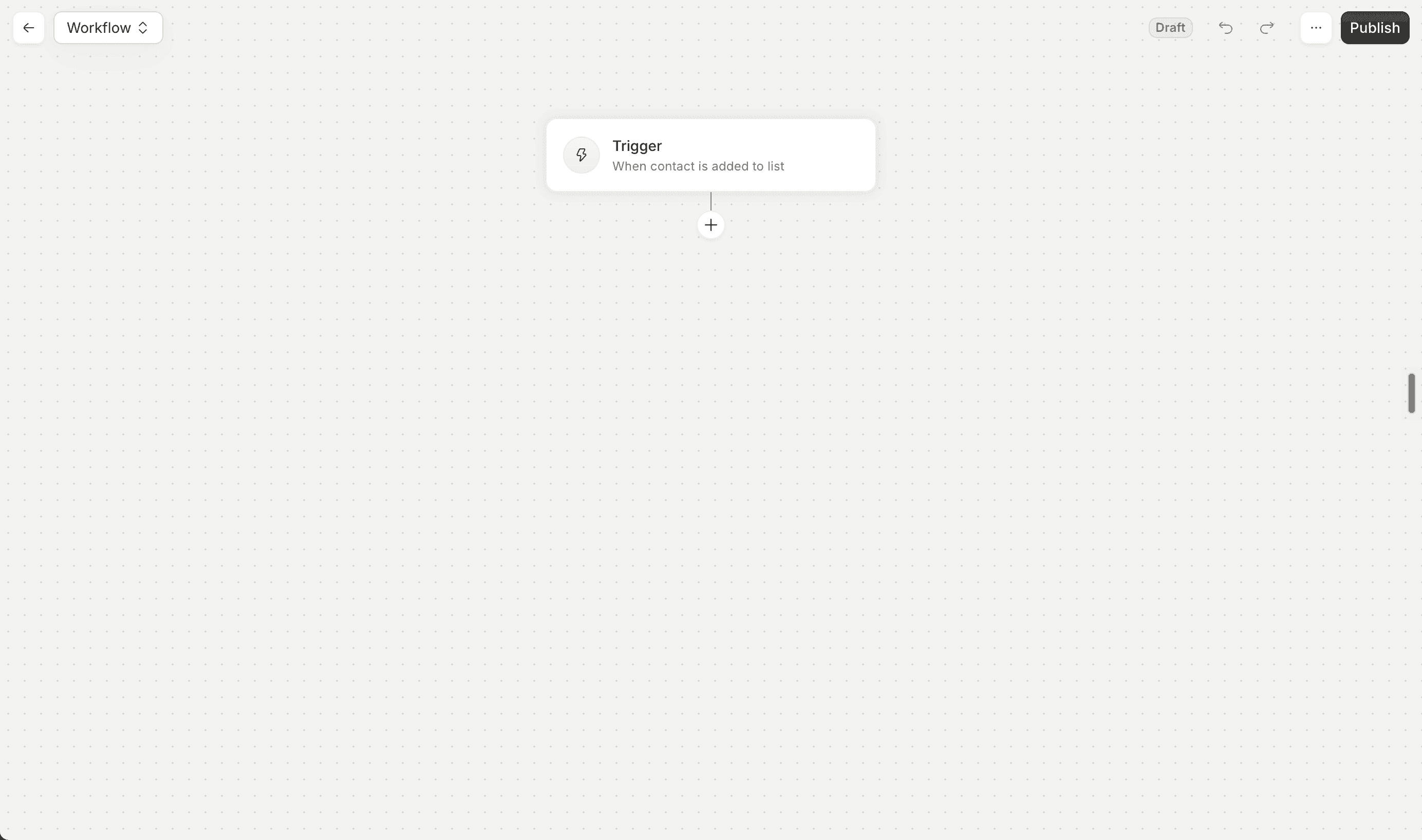
Step 7: Send a follow-up workflow
Paage's workflow engine can automatically send a follow-up email after a purchase — a thank-you note, a usage tip, or an invitation to buy a related product. Build it once, runs automatically for every sale.
How to price your PDF
Anchor on the outcome, not the page count. A 10-page checklist that saves a professional three hours of work can be worth far more than a 50-page PDF of generic advice.
Research comparable products. Browse Etsy, Gumroad, or Payhip in your niche. Use this as a floor, not a ceiling.
Consider tiered pricing. Offer the base PDF at one price and a bundle at a higher price. This increases average order value without requiring more traffic.
Test and adjust. Digital product pricing can be changed at any time.
Common benchmarks:
-
Simple printables and single-page templates: $5 to $15
-
Workbooks, planners, multi-page guides: $15 to $40
-
Comprehensive guides and professional toolkits: $40 to $97+
How to market your PDF after publishing
Use your link in bio. A Paage link serves as a micro-storefront — visitors can buy directly or sign up to your email list from the same link.
Share the problem, not the product. Content describing the specific problem your PDF solves almost always outperforms "new product available" announcements.
Build an email list from day one. Email remains the most reliable way to sell digital products at scale. Paage lets you collect emails and sell from the same page.
Leverage post-purchase referrals. Include a note in your PDF or delivery email encouraging buyers to share it.
Run a limited-time launch. A first-week discount with a clear end date creates urgency without permanent discounting.
Legal basics before you launch
Copyright notice. Add to the footer: © 2026 [Your Name]. All rights reserved. This is not for resale or redistribution.
Clear terms of use. State what buyers can and cannot do with the file on your product page and inside the PDF.
Refund policy. Most creators maintain a no-refund policy for instant digital downloads. State this clearly at checkout.
Tax obligations. Digital products are subject to VAT in the EU, GST in Australia, and sales tax in many US states. Most platforms (including Paage) handle tax collection automatically at checkout.
Paage vs. other platforms for selling PDFs
| Feature | Paage | Gumroad | Etsy | Kajabi |
|---|---|---|---|---|
| Free to start | ✅ | ✅ | ✅ (listing fees apply) | ❌ |
| Link-in-bio included | ✅ | ❌ | ❌ | ❌ |
| Email marketing included | ✅ | Limited | ❌ | ✅ |
| CRM and contact lists | ✅ | ❌ | ❌ | ✅ |
| Automated workflows | ✅ | ❌ | ❌ | ✅ |
| Sell from phone | ✅ | Partial | Partial | Partial |
| Physical products | ✅ | ❌ | ✅ | ❌ |
| Events and tickets | ✅ | ❌ | ❌ | ❌ |
| Printful integration | ✅ | ❌ | ❌ | ❌ |
Note: Platform pricing changes frequently. Always verify current fees directly on each platform's website.
When Paage may not be the right choice
-
Course creators needing structured learning modules. Kajabi or Teachable are more appropriate.
-
Creators who rely on marketplace discovery. Etsy or Gumroad may be a better starting point without an existing audience.
-
Very large e-commerce operations. Paage is optimized for creators and small businesses.
Conclusion
Selling a PDF online is one of the most accessible and sustainable ways for creators to generate income from their expertise.
Paage was built for exactly this kind of creator: someone who wants to sell a PDF, collect emails, manage contacts, and send follow-up campaigns — all from a single link, manageable from a phone, without stitching together five different tools.
Ready to list your first PDF? Create your free Paage account and start selling in under two minutes.